Playing the Demo
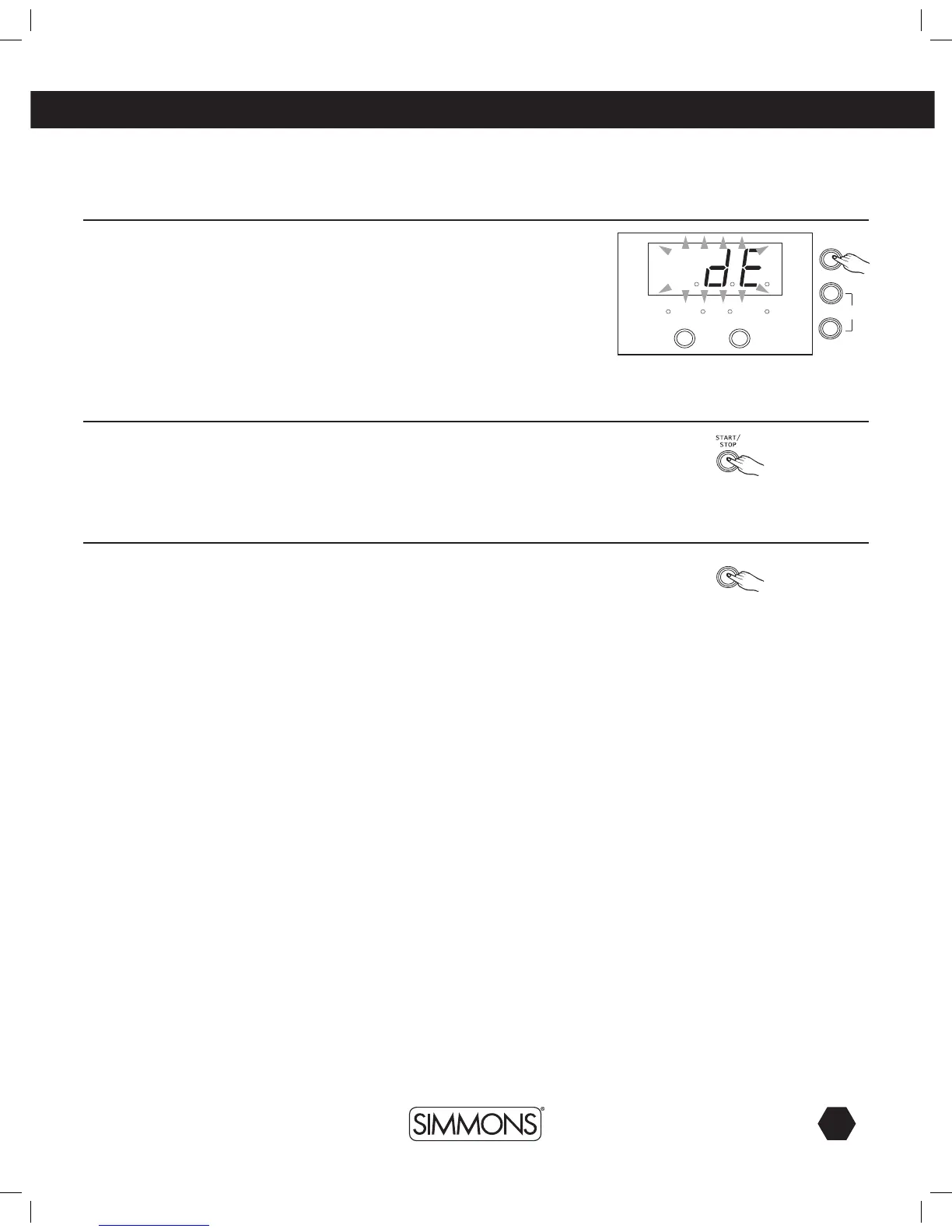
1. Hold the [CLICK] button for 2 seconds to enter demo mode and play the
demo.The3-digit-LEDwilldisplay“dE”.Theclickindicatorwilllighttofollow
the tempo of the demo.
2. Press [START/STOP] button to play and stop the demo.
Playing the Pattern
1. Press [START/STOP] button to play the selected patterns.
2. Press [START/STOP] button again to stop play.
Playing the Click
1. Press the [CLICK] button to start the click. The click indicator will light to
follow the tempo of the click.
2. Press the [CLICK] button again to stop the click.
playing
PATT ERN
KIT
VOICECLICK
+
-
CLICK



 To Next Page