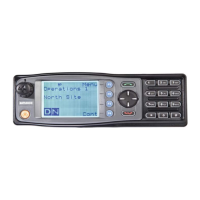
Use the ▼ /▲ keys to scroll through and select the required Setup sub-menu.
The Setup menu structure may include, for example:
• User Options;
• Contrast;
• Alert Volume;
• Crypto Key (Select Transmit Encryption Key);
• Radio Info (Radio software and hardware information);
• RSSI;
• Mute Adjust; and
• Squelch.
5.8. USER OPTIONS MENU
The ‘User Options’ menu provides access to a list of Functions that may be toggled on
or off. Up to 10 functions may be defined in this menu by the FPP.
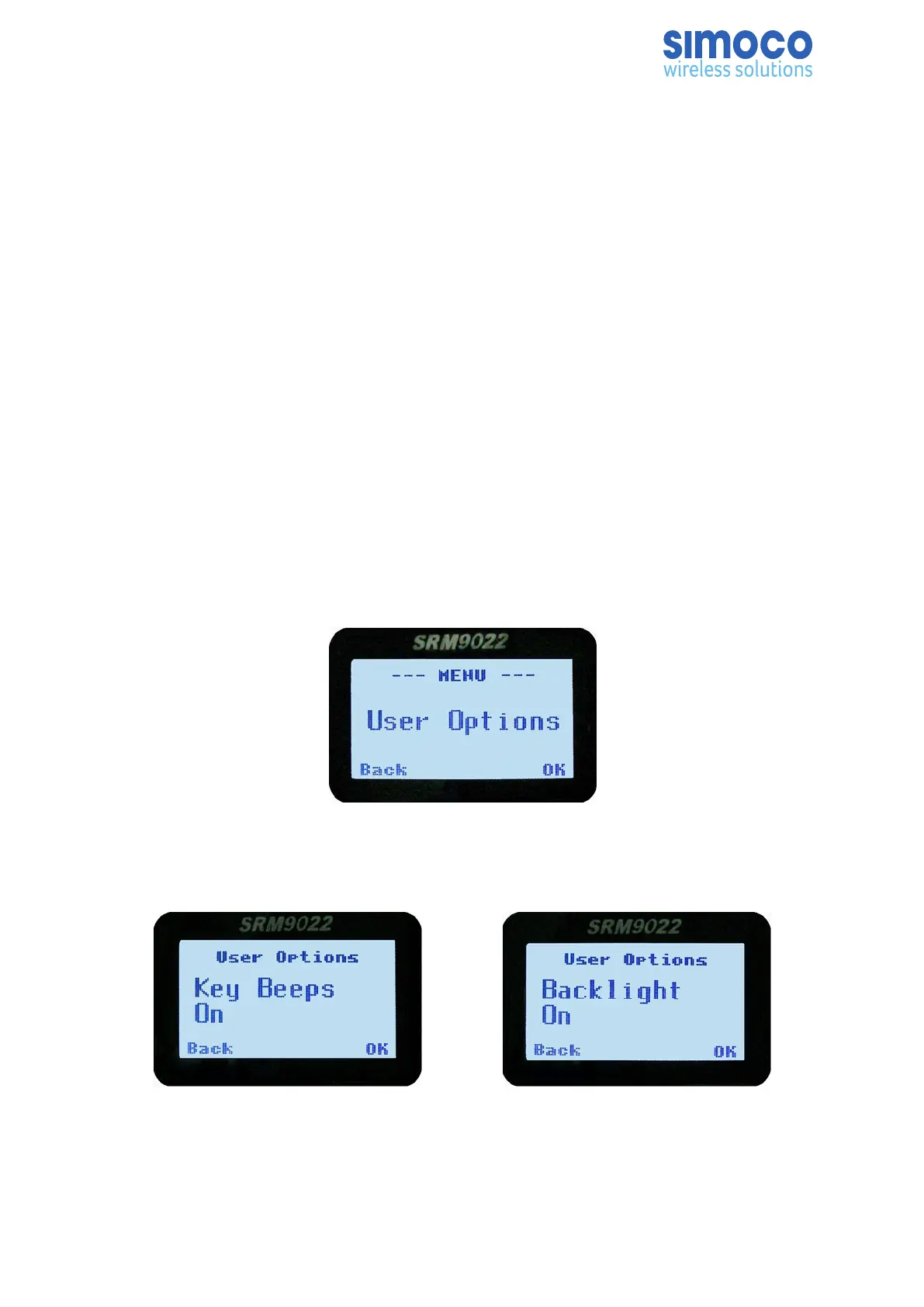
From the Setup menu, use the ▼ /▲ keys to scroll through sub-menus and, with the
User Options menu option displayed, press the OK key to access the User Options
screen.
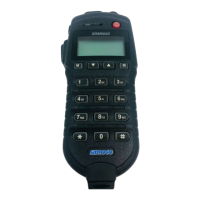
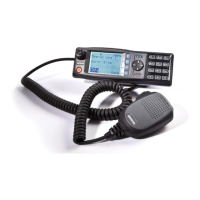
One of the programmable functions will be displayed. These functions may include: Key
Beeps, Backlight, Talk-Around, Analogue Scrambler and Low Power Override.
These functions can also be assigned directly to the radio’s function keys, if required.
The functions can be toggled “On” or “Off” with the OK key.
Doc Number: TNM-U-E-0055 ISSUE 4.0 Page 42



 To Next Page