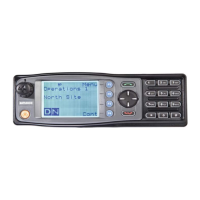
6.7.1. Scan/Vote Screen
A Scan can be started by:
• Pressing the function key that has been assigned the scan function by the FPP; or
• Selecting a zone channel that has been assigned to automatically scan by the FPP;
or
• Selecting the SCAN ON option under User Options menu.
Selecting a channel that is associated to a Voting Group, with Scan/Vote enabled in the
FPP starts the voting process.
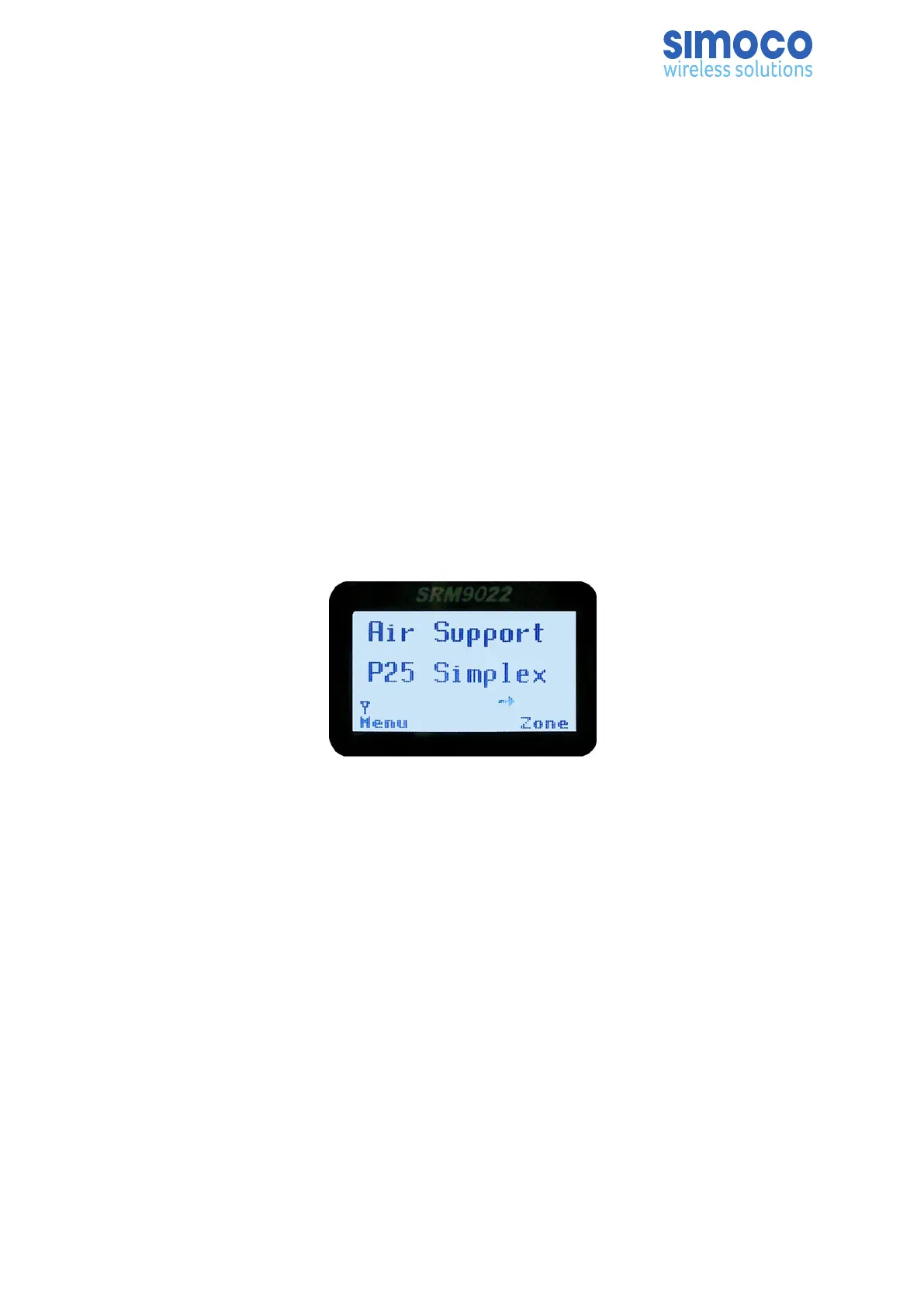
The top line of the display still shows the name of the current selected channel. The
second line of the display shows the name of the current selected zone while
scanning/voting.
The channel can be changed by using the ▼ /▲ keys. Other channels may be either
Scan or Normal channels, depending on the radio’s configuration.
Scanning/Voting is indicated by a rotating arrow symbol.
When stopped on a channel, the second line from the top shows the name of the
channel from the scan group that the radio stopped on. If stopped on a channel, that
channel can be “skipped” by pressing the skip programmed function key. Once a
channel is “skipped” it will not be scanned for the duration of that Zone/Channel
selection.
While stopped on a channel, the asterisk (*) icon will display.
When transmitting on a channel, the second line of display shows the name of the
current channel that the radio is transmitting on.
Doc Number: TNM-U-E-0055 ISSUE 4.0 Page 66



 To Next Page