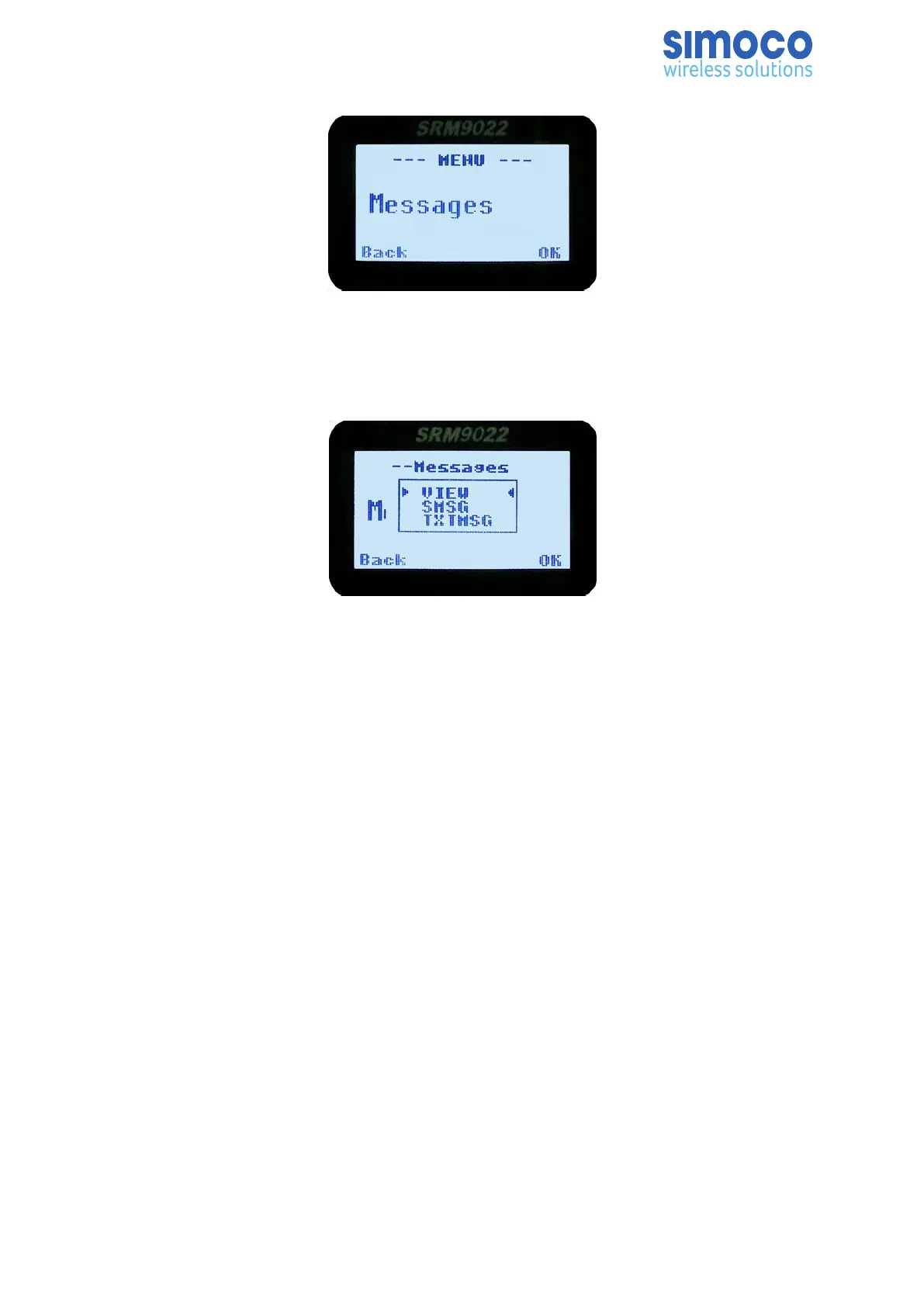
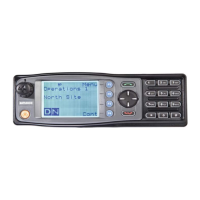
To view, send or delete messages, from the main channel screen, press the ‘M’ key to
enter Menu Mode. Use the ▼ /▲ keys to scroll through the menu options. With the
‘Messages’ menu option displayed, press the OK key to access the Messages screen.
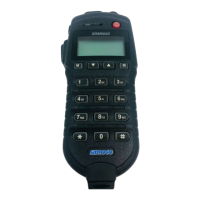
The Messages pop-up menu will be displayed.
5.16.1. Messages – Pop-up Menu
The Messages pop-up menu selections are:
• VIEW. Used to view received messages.
• SMSG. Short Message. The radio can be programmed with a list of predefined
messages. Selecting SMSG shows a list of predefined short messages, which can be
sent to another radio unit. Only applicable when a digital channel is selected.
• TXTMSG. Text message. Enters the text message edit and send sub-menus. Only
applicable when a digital channel is selected.
Use the ▼ /▲ keys to select the required option.
With the ‘VIEW’ option selected, press the OK key to show the ‘Messages View’ screen.
With the ‘SMSG’ option selected, press the OK key to show the Short Message screen,
which is only for a digital channel, otherwise an error beep will sound.
With the ‘TXTMSG’ option selected, press the OK key to show the ‘Edit Text’ screen,
which is only for a digital channel, otherwise an error beep will sound.
Press the ‘Reset’ function key (if configured) to return to the default screen.
Doc Number: TNM-U-E-0055 ISSUE 4.0 Page 51



 To Next Page