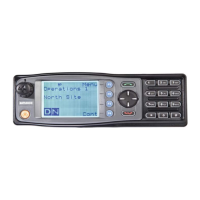
5.14. CRYPTO KEY MENU
The Crypto Key menu allows the digital channel’s default transmit encryption key to be
modified. On an encrypted radio channel, the radio will attempt to use any of the
stored encryption keys to decrypt received signals.
If the padlock symbol is displayed, the currently selected digital channel has encryption
enabled.
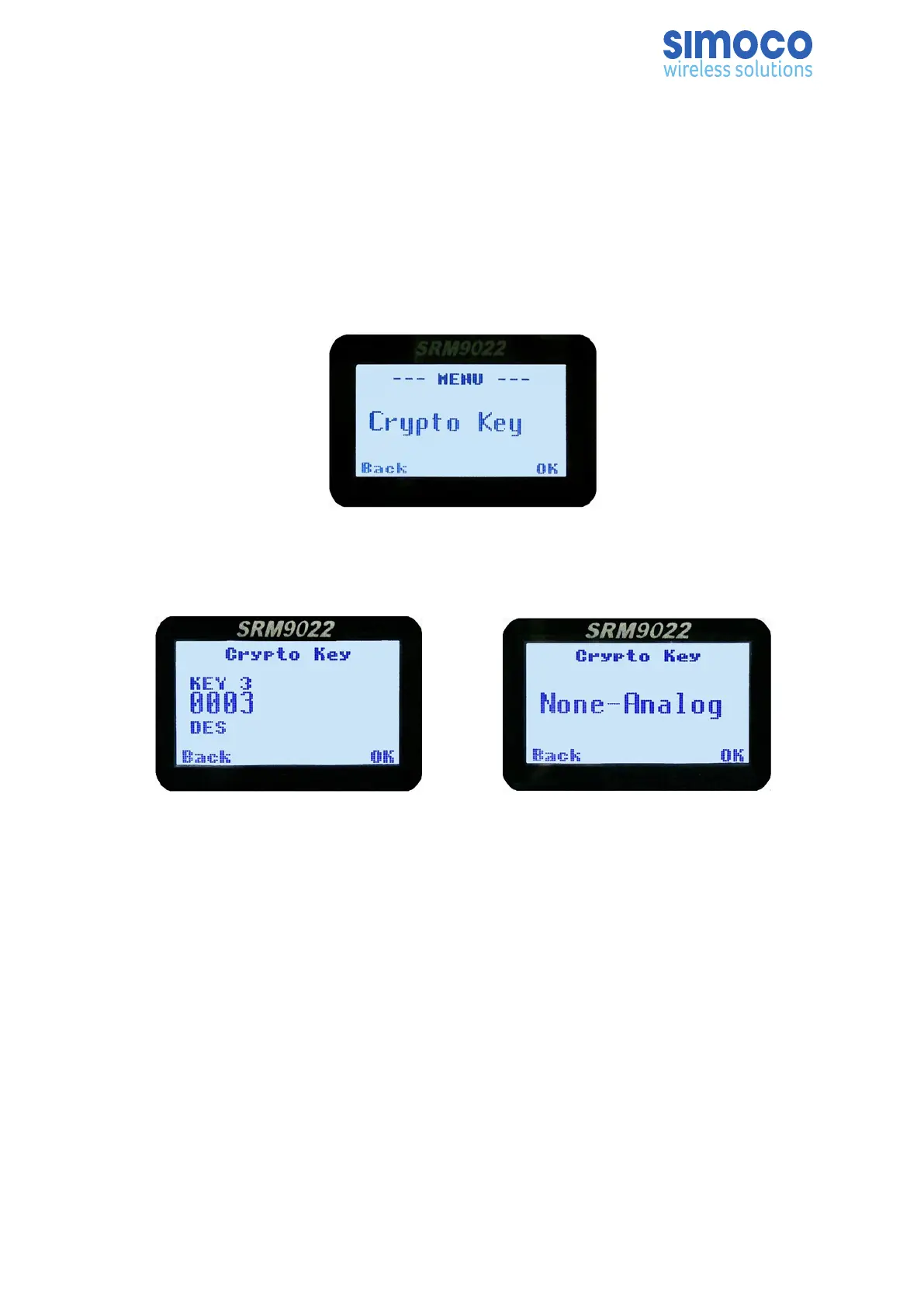
From the Setup menu, use the ▼ /▲ keys to scroll through sub-menus and, with the
Crypto Key menu option displayed, press the OK key to access the Crypto Key screen.
Digital Analogue
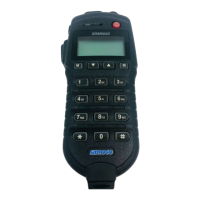
If an Analogue channel is selected, a warning message will display ‘None-Analog’.
When the Crypto Key screen is displayed, the digital channel’s Encryption Key ID (key
name and the key identifier) is displayed.
The key name and the key identifier (1 – 32) for the selected channel can be changed
using the ▼ /▲ keys.
If the selected channel is changed or the radio is switched off, the channel’s default
encryption key will be restored.
Press the Press the Back or ‘M’ key to save the changes and return to the next highest
menu level.
Doc Number: TNM-U-E-0055 ISSUE 4.0 Page 48



 To Next Page