MT SB2 03
29
MT SB2 03
ENGLISH
PROGRAMMING INTERNAL INTERCOM EXTENSIONS
Before connecting telephones Art. 2418W and brackets Art.
4714W/2I - 5714/I to the intercom network, it is necessary to
programme them so that the desired function is associated with
every pushbutton of the telephone or of the monitor and its own
user code and intercom code is associated with every device.
The programming operations can also be carried out with the
system connected but not supplied with power.
To programme the user code by means of dip-switches, see
“Programming telephone Art. 2418W user code and Bracket Art.
4714W/2I” on page 27. For the other programming operations of
the internal extension, it is necessary to connect the hand-held
programmer to Art 2418W or to Art. 4714W/2I, turn it on and
proceed according to the instructions regarding the hand-held
programmer module Art. 1251. For convenience, the most
commonly used programming procedures are given below (see
“Programming pushbuttons of the internal extension” and
Programming intercom code of the internal extension”).
To check the programming operations carried out on the internal
extension, it is necessary to carry out reading of the configuration
as explained in the MT/SB2/02 Technical Manual enclosed with
Art. 1251.
Once the internal extension has been programmed with its own
user code, intercom code and the pushbuttons of the monitor have
been programmed to make the calls to the desired intercom codes,
one can proceed to connect the bracket to the intercom network
and carry out programming of the interface module Art. 4897 for
self-learning.
Programming pushbuttons of the internal extension (see MT/SB2/02)
To carry out programming of a pushbutton it is necessary to:
1. Connect the hand-held programmer to the article to be programmed.
2. Select the
Pushbutton Prog. menu with the and
arrows and then press .
3. Select the pushbutton to be programmed with the and
arrows and then press .
4. Select
Standard Funct. with the and arrows and then
press .
5. With and scroll the functions available until the
function you want to programme for the pushbutton is shown.
6. If necessary, pass to the parameter field by means of the
and arrows and insert the numerical value required by
means of the Programmer keypad.
7. Press and check that the following message is displayed:
-
-
If the operation is not successful, the following message will be
displayed:
-
If the operation is not permitted, the following error message will
be displayed . The incompatible setting which
is therefore not allowed is the remote camera on a bracket/
secondary monitor.
8. After a few seconds the pushbutton selection menu is displayed
for a possible further operation on the extension.
Programming intercom code of the internal extension. (see
MT/SB2/02)
The intercom codes can go from 1 to 8. If a higher or lower code
“Oper. failed!”
“Transm failed!”
“Operation OK”
“Transmission OK”
Ok
Sel
Sel
Sel
than this range is inserted during programming, the error message:
will be displayed.
To programme the intercom code of an article it is necessary to:
1.
Connect the hand-held programmer to the article to be programmed.
2. Select the Pushbutton Prog. menu with the and
arrows and then press .
3. Select the pushbutton to be programmed with the and
arrows and then press .
4. Select
Standard Funct. with the and arrows and then
press .
5. With and scroll the functions available until the
Intercom function is shown.
6. Pass to the parameter field by means of the and
arrows and insert the numerical value required by means of the
Programmer keypad.
7. Press and check that the following message is displayed:
-
-
If the operation is not successful, the following message will be
displayed:
-
8. The selection menu is displayed for a possible further operation
on the extension.
PROGRAMMING INTERFACE MODULE ART. 4897
FOR SELF-LEARNING
The self-learning procedure allows the configuration of the intercom
network to made known to interface Art. 4897.
It is necessary for operation of the intercom network.
Attention: the user and intercom codes must have already
been programmed.
To start the self-learning stage, proceed as follows:
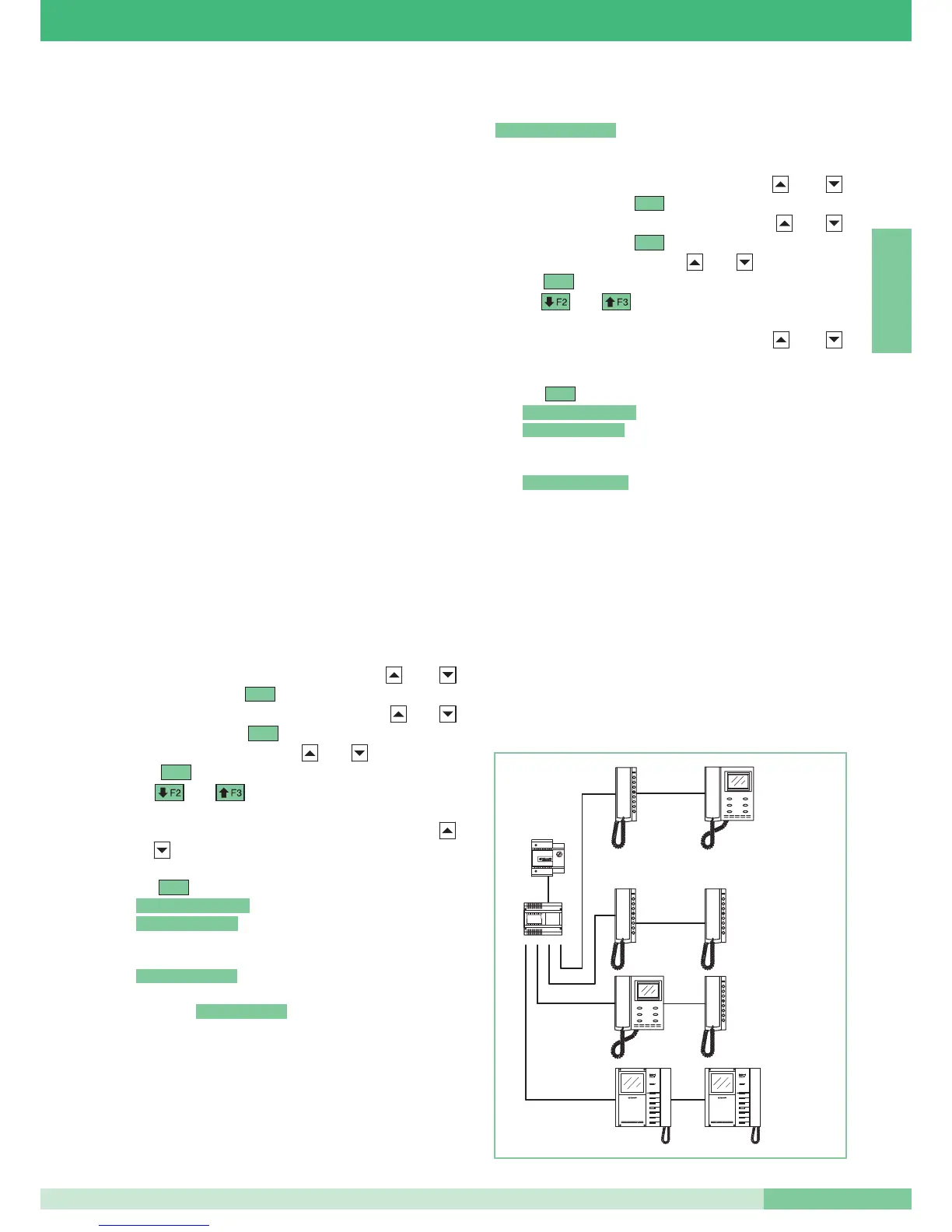
• Make sure that the internal extensions are connected to the
output L1L1 – L2L2 – L3L3 – L4L4 and that the Bus on the Lin
Lin input line is disconnected.
“Transm failed!”
“Operation OK”
“Transmission OK”
Ok
Sel
Sel
Sel
“Wrong Parameter!''



 To Next Page
 Loading...