11
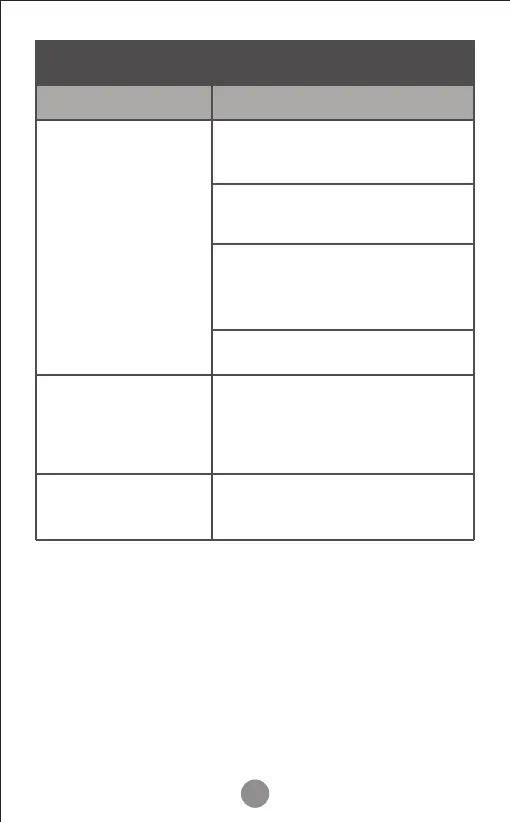
Troubleshooting Guide
Press power button to increase
fan speed.
Close doors and windows while
using the air puri�ier.
Replace the �ilter.
Make sure the air �ilter is
removed from its packaging.
(see page 9)
The red indicator light will �lash
when the �ilter element needs
to be replaced.
Please contact SimPure
®
Customer Service
Problem Possible Solution
Poor air puri�ication
quality
The red change �ilter
indicator light is
�lashing and beeping
If your problem is
not listed



 To Next Page