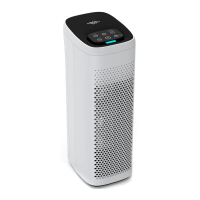
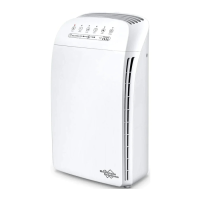
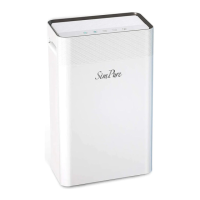
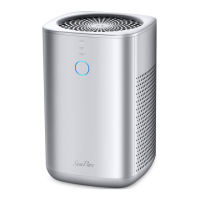
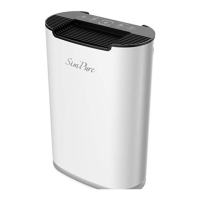
The MS6 can �ilter out impurities and particles in the
air, such as viruses, mold, dust, allergens, pollen,
bacteria, dust mites, cigarette smoke, pet dander,
odors, and unhealthy vapors.
10
Troubleshooting Guide
Con�irm that unit is plugged
into a powered USB socket.
Make sure the packaging is
removed from the �ilter element.
Press power button to increase
fan speed.
Filter may be blocked, replace
air �ilter.
Make sure the air puri�ier is
being operated on a hard, �lat,
even surface.air �ilter.
Filter may be blocked, replace
air �ilter.
The air puri�ier may be damaged.
Contact SimPure
®
customer
Do not use in a damp or wet
environment, if the �ilter
becomes damp, replace �ilter
and move the air puri�ier to a
dry area.
The carbon layer of the �ilter may
be exhausted and cannot remove
odors. Replace air �ilter.
Problem Possible Solution
The air puri�ier does
not turn on or
respond to power
button
Air�low is
signi�icantly reduced
Air Puri�ier makes
unusual noise while
the fan is on
Unpleasant or musty
smell coming from
the puri�ier



 To Next Page