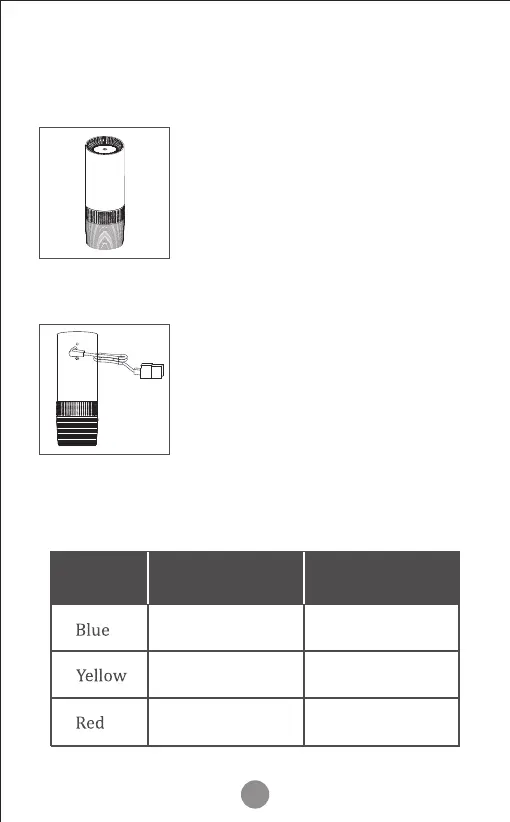
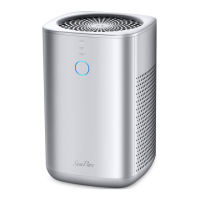
Before using the air puri�ier for the
the �irst time, remove any packaging
material from the product.
Plug the power output of the USB cord
into the air puri�ier. Plug the USB
connector into a USB port such as the
car adaptor/ computer or USB power
bank. The power button will illuminate
and beep when power is available. The
air puri�ier starts in auto-mode. The fan
speed will change based on air quality.
6
Startup the System
Step 1
Step 2
Excellent Low fan speed
Middle fan speed
High fan speed
General
Poor
Color of
the light
Air quality
Fan speed



 To Next Page