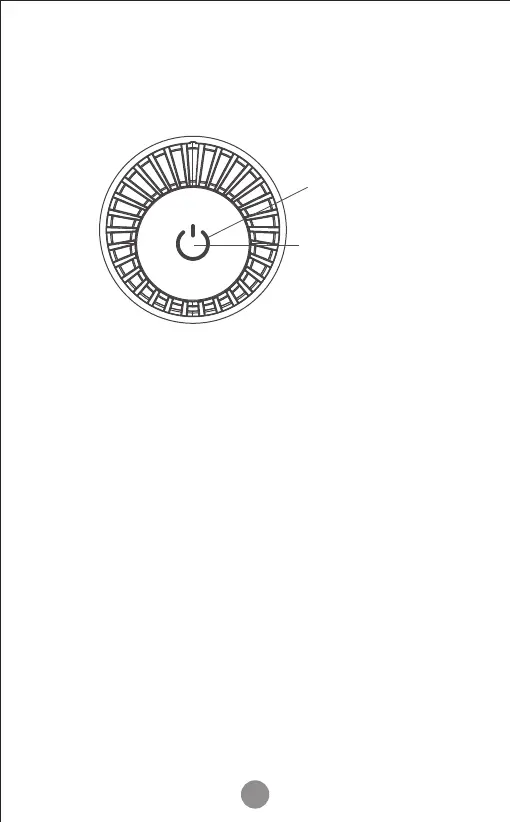
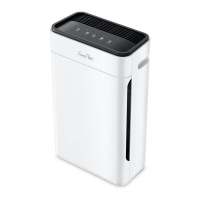
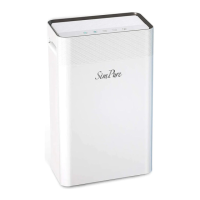
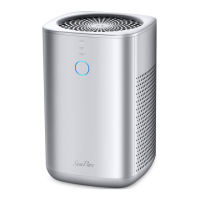
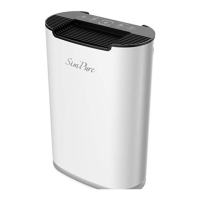
Control Panel
Operating Mode
Operating Guide
When the power is �irst connected to the air puri�ier,
the power indicator light will indicate the air puri�ier
is in auto-mode.
The air puri�ier is equipped with TVOC sensors to
detect air quality. When the air puri�ier is in auto mode,
the fan speed will adjust automatically according to the
air quality.
Once you press the power button, the air puri�ier will
switch to manual mode. If you want to return to
auto-mode again, you will need to turn off the unit or
remove the power cord to restart the unit.
7
Power button
Air quality indication



 To Next Page