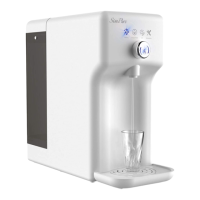
Display Indicators
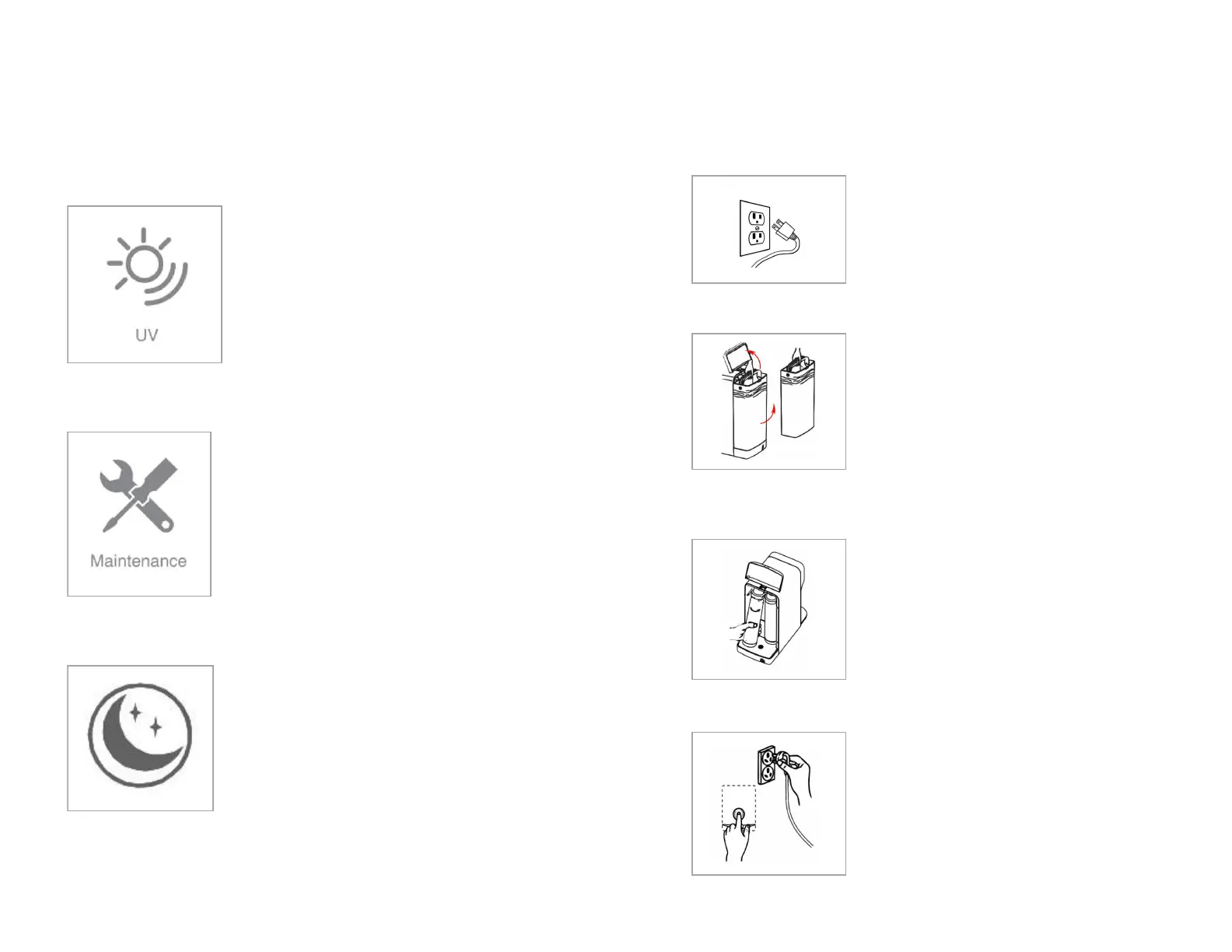
Maintenance Indicator Light
Steady – Ultra Violet light is operating.
UV will function for the first hour after
starting up. One hour later, the UV light will
only operate for 7 minutes every 53 minutes
to help maintain microbial control of the
purified water.
Filtering Indicator Light
Steady – Both filters are >90% exhausted
and will need to be replaced soon.
Flashing - The filters have reached the end
of their life and are ≥100% exhausted.
Action Required – When steady, order new
filters and replace both filters together
when the indicator starts flashing.
The system automatically enters a
standby mode if not used for 1 hour.
Wake the system by pushing the control
button.
Remove the power plug from the electrical
socket to turn the system off.
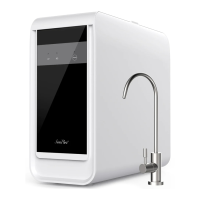
Open the feed water tank cover. Wait 5
seconds.
Lift out the tank, disregard water, and place it
in a safe place.
You should now be able to see the filter
cartridges (located behind the tank).
Lift each cartridge from the bottom towards
you and turn counterclockwise to remove.
Insert the new cartridge in the correct
position, turn clockwise until you feel a click.
Note: You can safely dispose of the exhausted
cartridges (non-toxic).
Refill the feed water tank and fit back into
the purifier and close the cover.
Push and hold the control button while
plugging the system back into an electrical
outlet, when you hear three (3) beeps the
filters service life is reset.


 To Next Page