M
ultiFlame DF-TV7 Page 33 / 56 NOSP16358-03 [04/2016]
6.5. Alarm indication (LED)
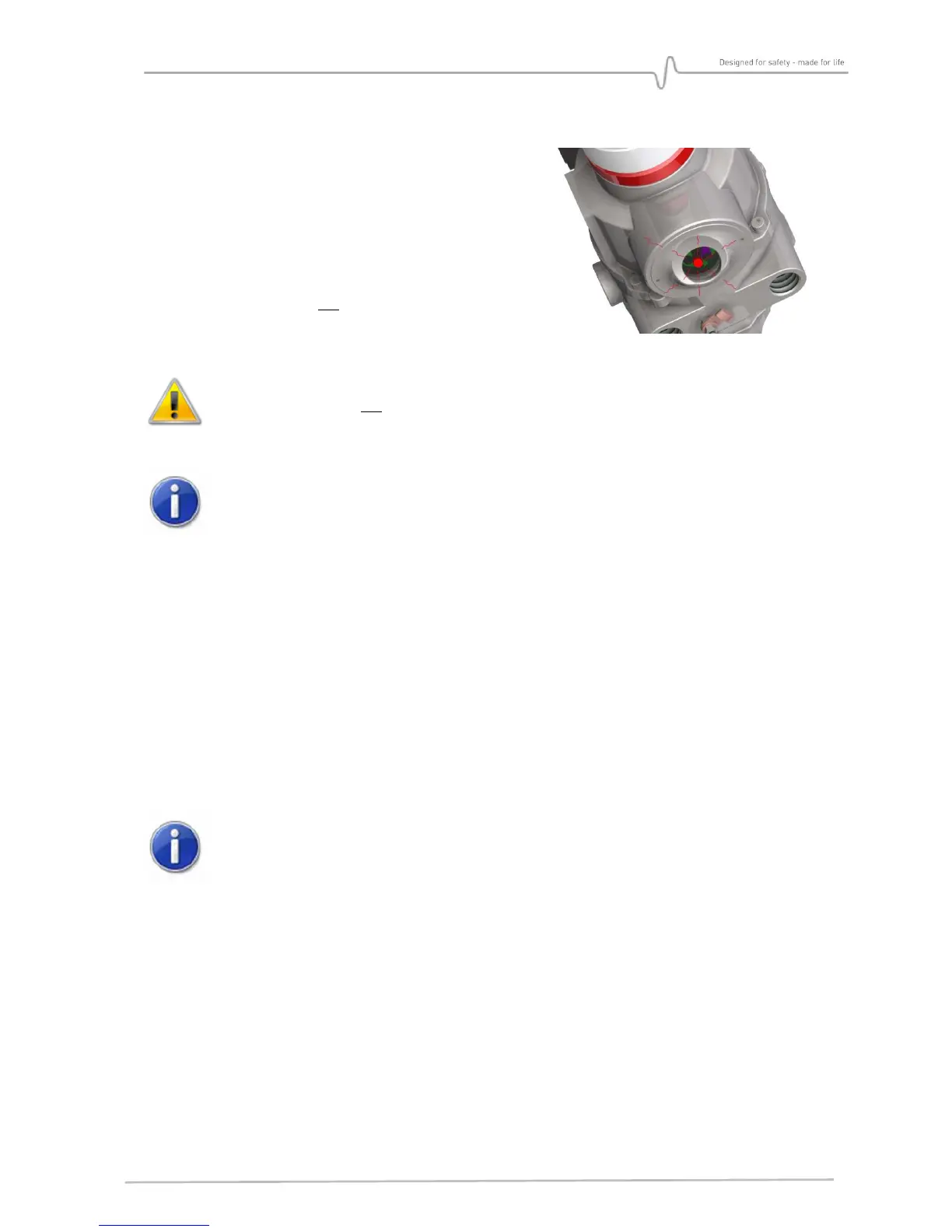
A red LED placed in the communication head flashes
in case of confirmed alarm state.
In standard configuration, the alarm LED is
memorized. The flashing continues until be
acknowledged with the TLU or until the detector is
powered off, then powered on again.
For DF-TV7-X##0-0X#-
0N
v
ersions, the alarm LED
memorization is off. The LED stops flashing when the
alarm disappears.
DF-TV7-X##0-0X#-
0N
version is not fully EN 54-10 compliant
If the alarm is memorized, the flashing red LED remains until the alarm is
acknowledged (TLU/TLH or OFF/ON)
6.6. Wireless communication tool TLU600
All settings and tests of detectors can be done by the wireless communication tool TLU600.
This communication tool and its software are compatible with all Simtronics detectors:
MultiFlame, MultiTox and MultiXplo.
Communication is made via infrared link (IrDA), similar but more efficient than infrared links
for computers. IrDA head should not be placed facing the sun as it significantly reduces the
communication with the TLU600.
Please refer to the wireless communication tool operating manual for more details
When a device is in communication with the TLU, the frequency of the green LED
(in the head of communication) flashing is set to 1Hz. By this way, the user can
ensure he communicates with the requested device.
The TLU600 menu is composed of 2 access levels allowing both settings and obtaining
information about detector’s status.
• level 1 : exploitation
• level 2 : Maintenance


 To Next Page