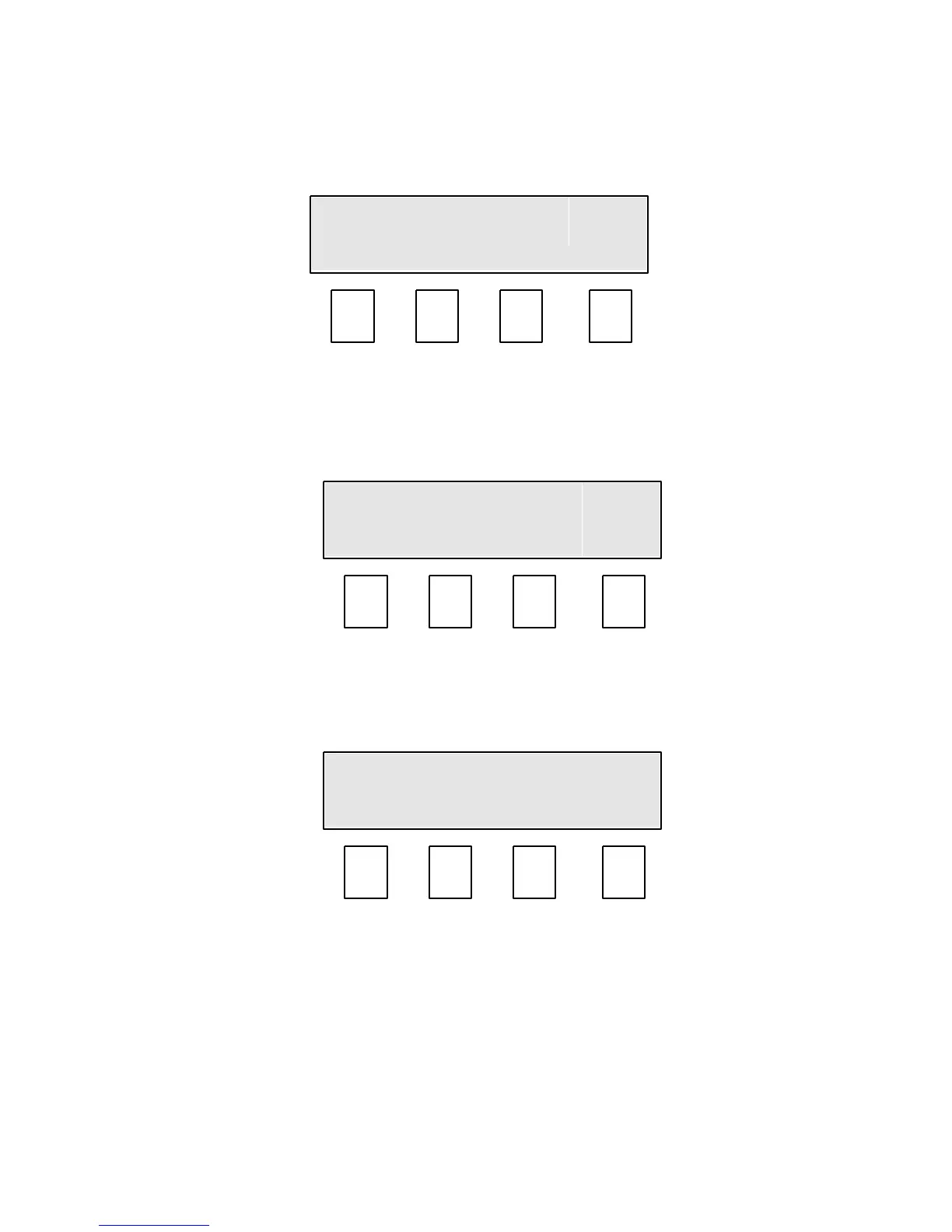
9.0 Taking a measurement. (Mode 0, F4).
With the sample loaded press and release the Run (F4) key.
Mode 0 screen.
The display will change showing the selected crop on the top line and Testing…. on
the bottom.
After approx 3 seconds the results are displayed.
To continue testing with the same crop remove the measuring bowl, empty and
replace.
Refill the measuring bowl with sample, see Section 8.
Press and release the Run (F4) key.


 To Next Page