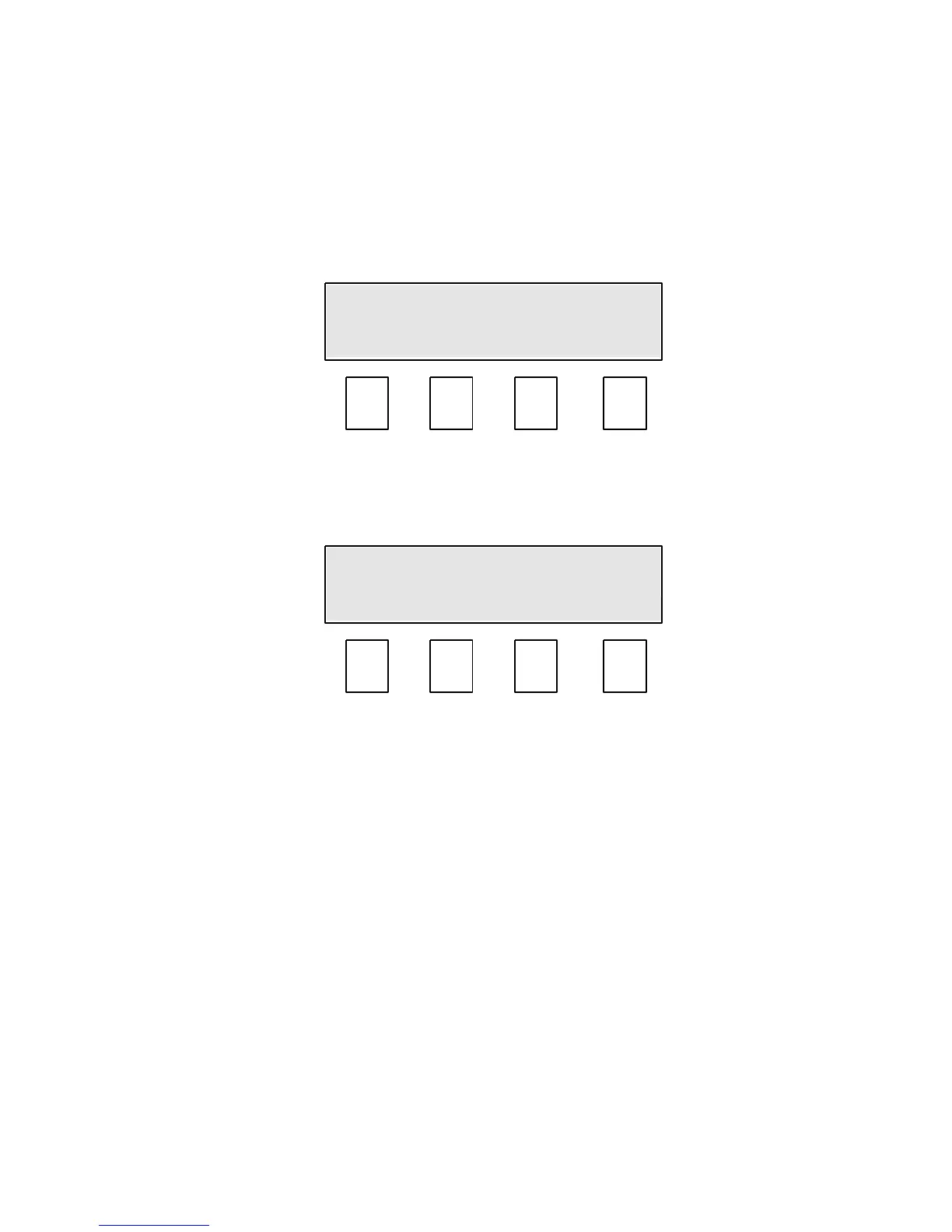
11.0 Mode 1b, Bias menu.
The bias function is used if the moisture reading needs to be adjusted in line with the
reference method or another piece of equipment. The bias should only be used if
the readings are too high or too low by a constant amount over a varying moisture
range.
The bias menu enables you to independently enter a bias or offset to each selected
crop calibration.
By pressing Bias (F1) the display changes to:-
The display shows that calibration number 1, Green Coffee has been selected for
adjustment. This calibration selection is made in Mode 0. See Section 7, Selecting a
calibration.
All bias values will be factory set to zero on shipment.
By pressing the F1 or F2 keys the required +ve or –ve bias value can be displayed.
A positive value will increase the displayed moisture value, a negative value to
reduce it. Each press of the key increases or decreases the value by 0.1%.
When the correct bias value is displayed, press the Exit (F4) key to save and return
to Mode 1b.
Your bias value for the selected crop has now been stored.


 To Next Page