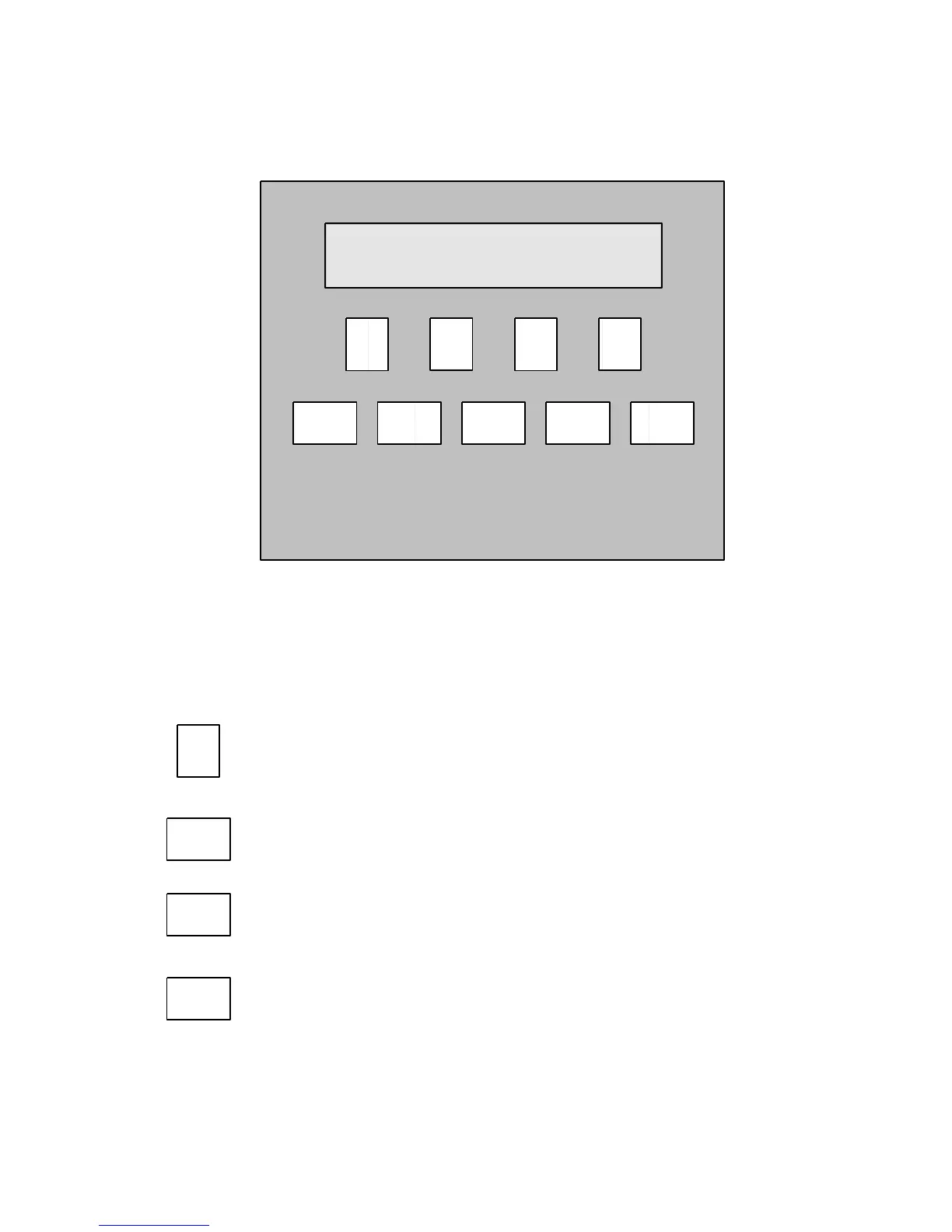
2.0 6070 BeanPro Display Layout.
BeanPro front panel layout.
Key Pad Functions.
The “F” or function keys action the command shown in the
display window above each function key.
The “MODE” key is used to step through the user modes, mode 0, 1
and 1b.
The “CLEAR” key is used to clear wrongly entered numerical data
allowing you to start again.
The “ENTER” key is used to enter all numerical data.



 To Next Page