3.0 Mode 0, Display Description.
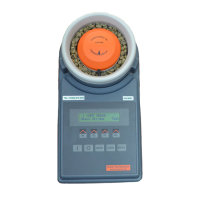
Mode 0 screen.
0 Reference.
Denotes that the 0 reference curve is currently selected. This curve is used when a
capacitance, (code 0) reading is required for calibration purposes.
0
Shows the number of the selected mode. Press the MODE key to step through the
modes.
Down/Up (F1 & F2).
Used to step through the crop calibrations (curves) installed in the BeanPro.
Run. (F4).
Used to take a moisture reading.


 To Next Page