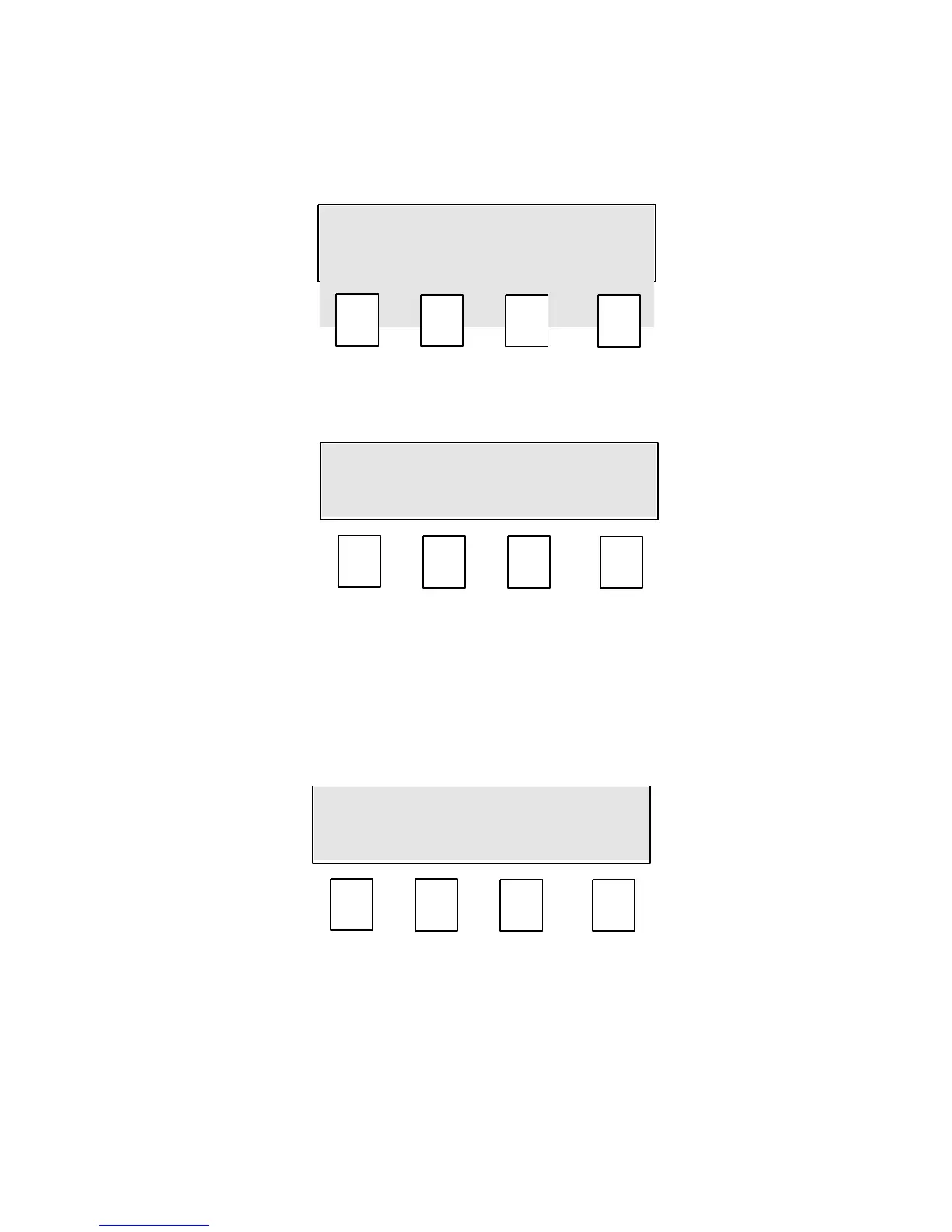
10.0 Mode 1. Printer Menu.
This mode is used to set up a printer.
By pressing OnOff (F1) the display changes to:
By selecting either On (F1) or Off (F2) the printer output can be turned on or off.
Once selected press Exit (F4) to save and exit the screen.
By pressing Baud (F2) from the printer menu the display changes to:
By selecting either 300 (F1) or 4800 (F2) the printer output speed can be selected.
Once selected press Exit (F4) to save and exit the screen.


 To Next Page