Preparations for Machine Operation
1-8
1
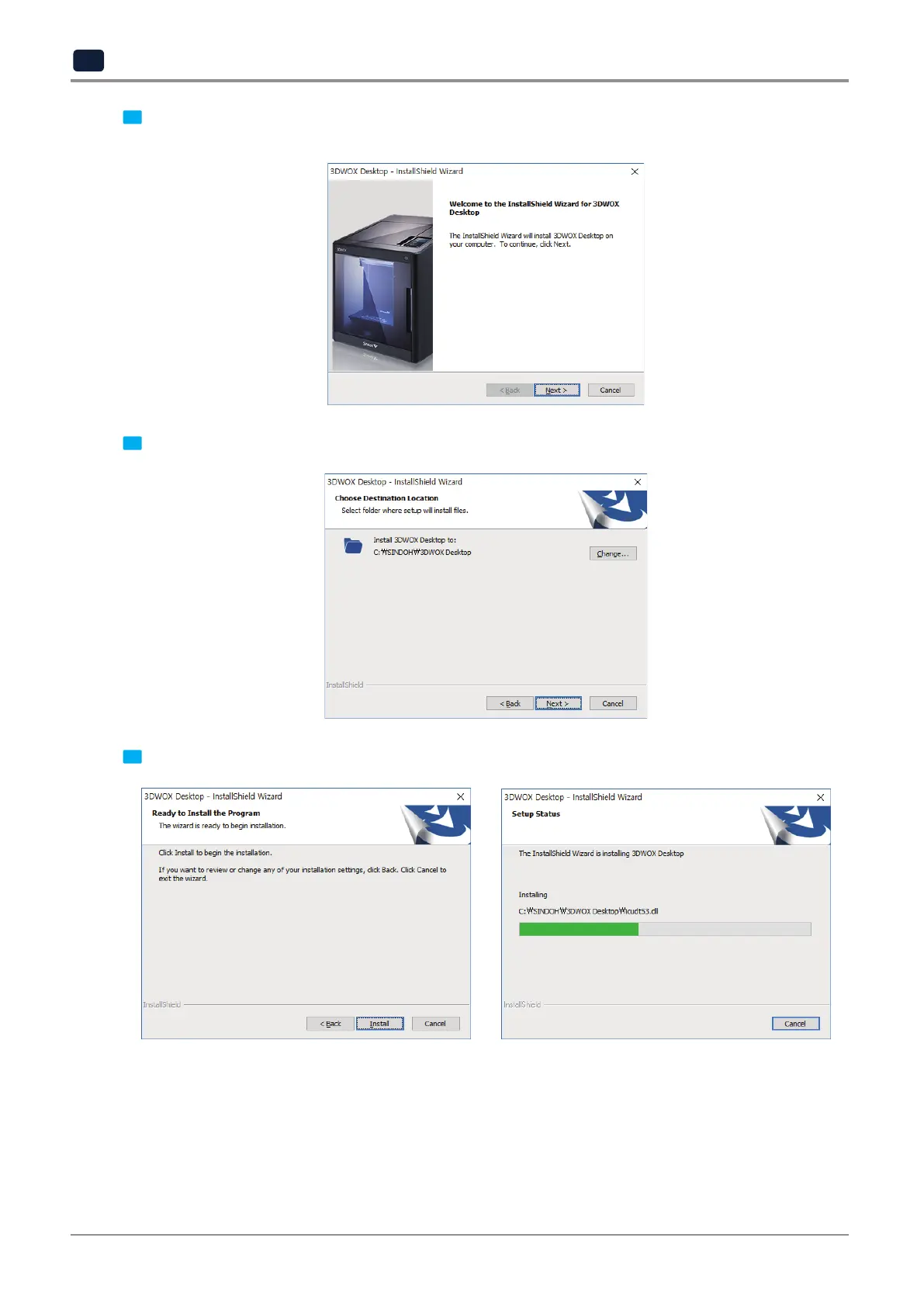
3 When installation of the file is complete, a pop-up window shows up as picture below.
Press [Next] button to initiate the installation of 3DWOX Desktop program.
4 Choose the destination location of the file and press [Next] to proceed.
5 The file gets saved and the installation starts.



 To Next Page