2-9
UI Menu Function
2
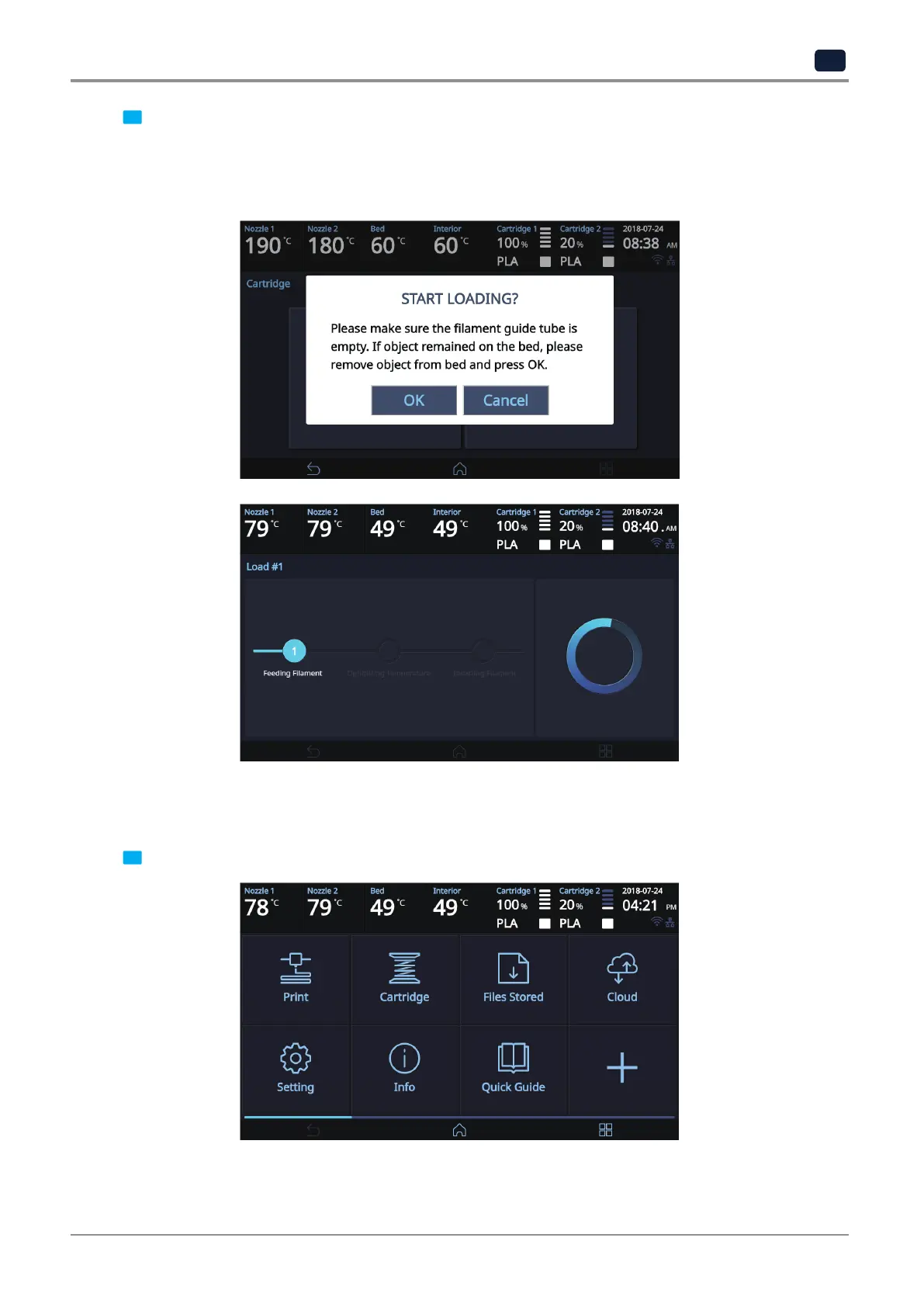
3 When [OK] is pressed at the cartridge load confirming message, cartridge load will automatically proceed.
The filament reaches to the nozzle and it is heated up to the specified temperature. Then the filament is
inserted into the heated nozzle. After the process has finished, screen will automatically return to the [HOME]
screen.
UNLOAD
This function automatically unloads filament from the nozzle.
1 From the HOME screen press [Cartridge].



 To Next Page