2-55
UI Menu Function
2
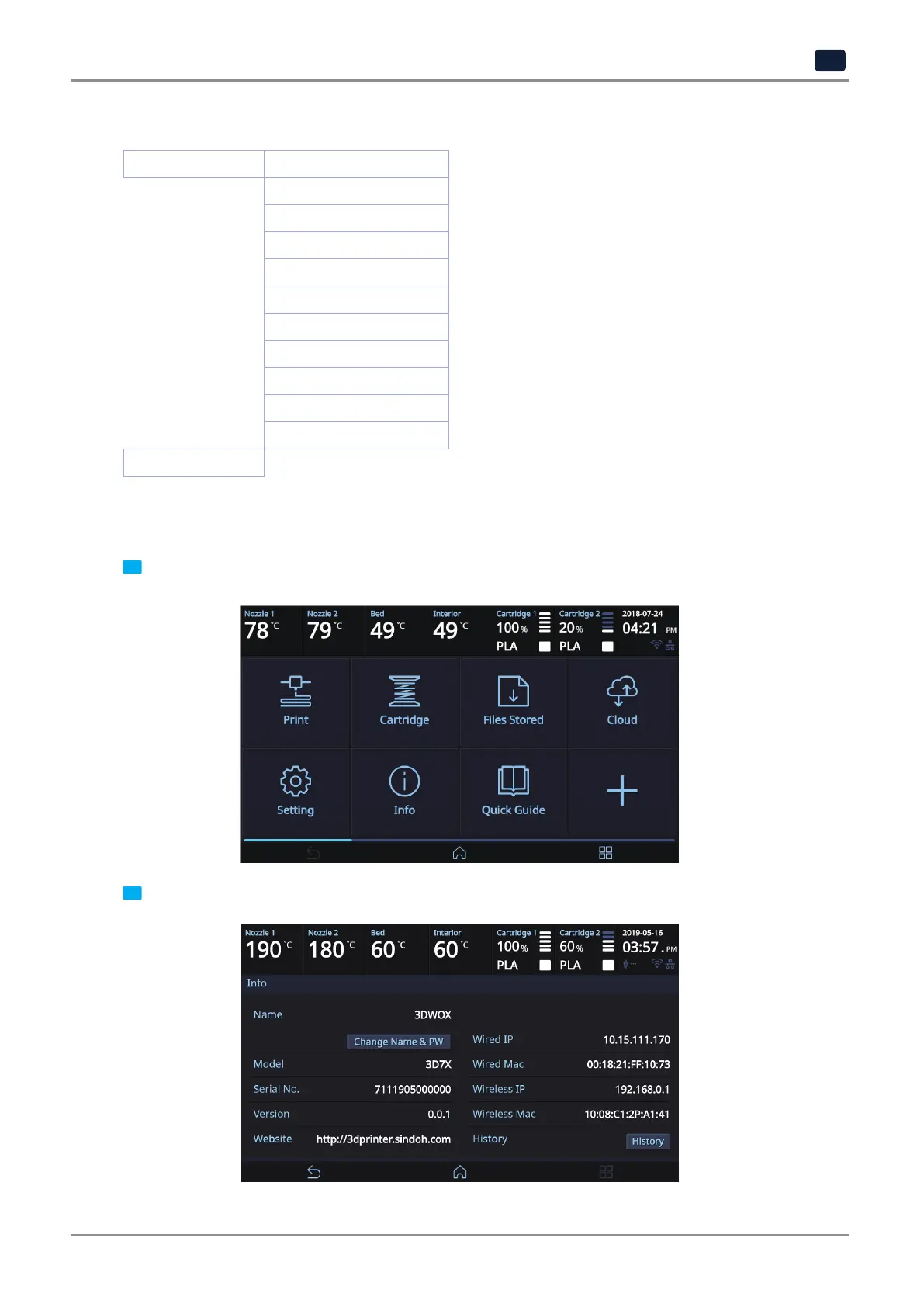
2.5 Information
INFORMATION NAME
CHANGE NAME & PW
MODEL NAME
SERIAL NO.
VERSION
WEB SITE
WIRED IP
WIRED MAC IP
WIRELESS IP
WIRELESS MAC IP
HISTORY
Quick Guide
In this menu user is able to view the detail information of the printer, and set device name & password.
In [HISTORY] screen, user is able to view all the records of past works.
1 From home screen, press [Info].
2 To set password and name for printer, select [Change Name & PW].



 To Next Page