20
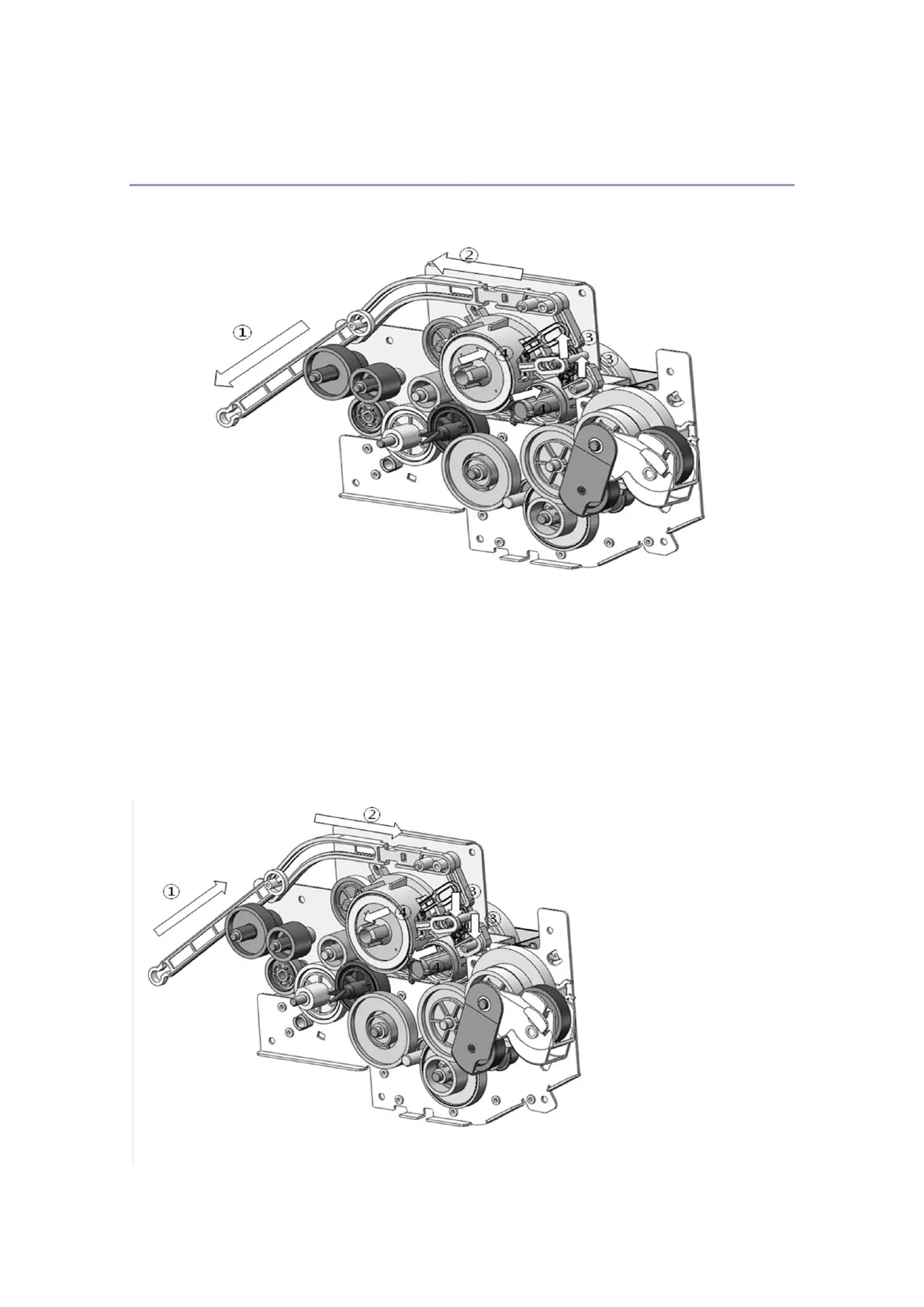
When Installing or un-installing Image Cartridge
1. With the Front Cover Opened
As you open the front door of the machine, the link to the font door is moving to the #1
direction. Upon the moving link the lever#2 consequently moves, and the cartridge is
released by the oldham lever and dogbone lever pulling each coupler.
2, With the Front Cover Closed



 To Next Page