Quantum
®
XL-6000
Memory
- 22 -
MEMORY IN STANDARD SEWING MACHINE
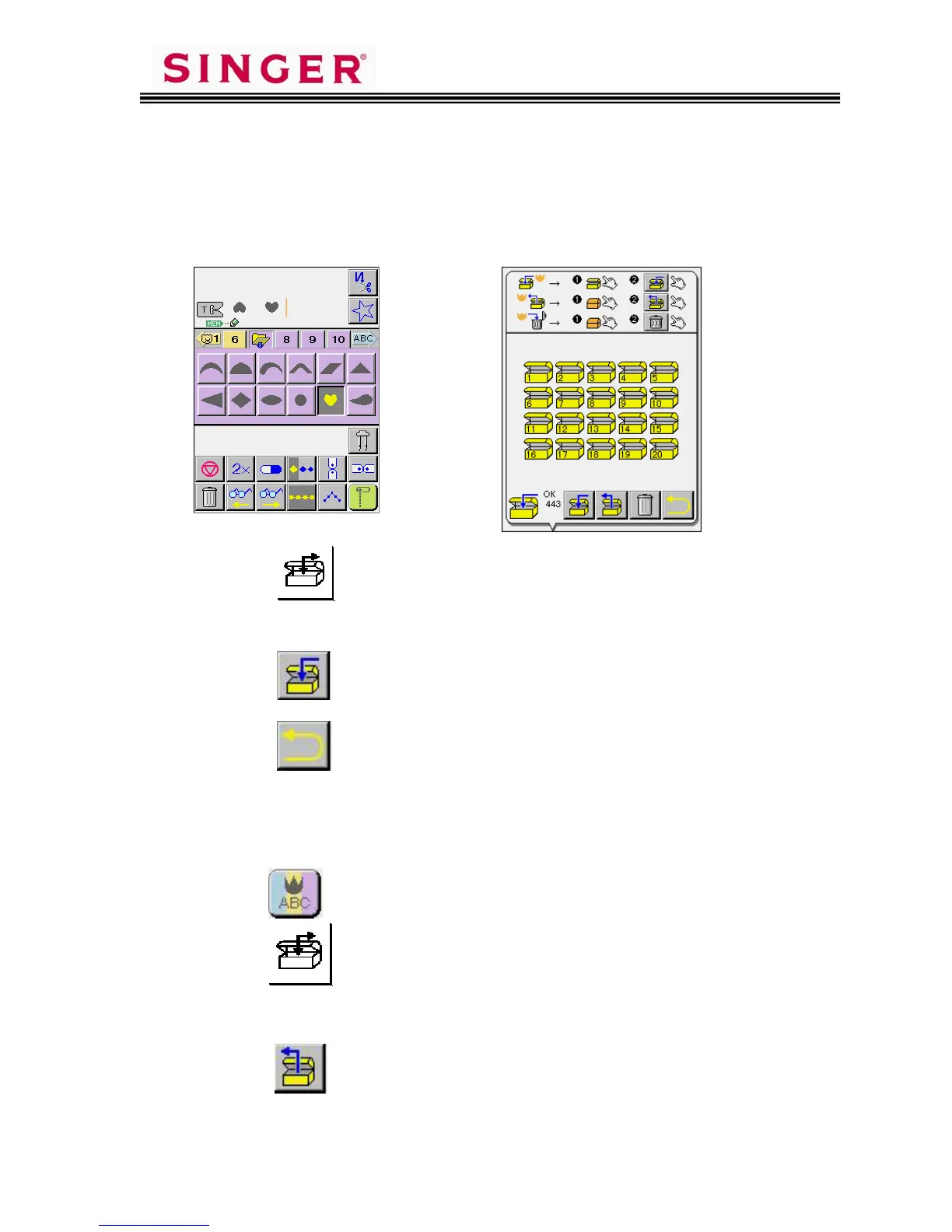
There are 20 Memory Folders available within the machine when in the
standard sewing mode. Each one of the folders holds up to 120 entries.
To save a stitch sequence:
1. Touch the Operation Key.
2. Touch the folder where the stitch sequence is to be stored.
3. Touch the Pictogram. Wait until the memorizing is complete.
4. Touch the Pictogram to return to previous screen.
To retrieve a stitch sequence:
1. Turn machine on and touch Welcome Screen.
2. Touch the Pictogram.
3. Touch the Operation Key.
4. Touch the folder in which the stitch sequence was saved.
5. Touch the Pictogram.
6. Touch OK.









 To Next Page