Quantum
®
XL-6000
Endless Bobbin
™
- 26 -
Automatic rewinding of bobbin during embroidery:
How to set up for Endless Bobbin
™
Winding:
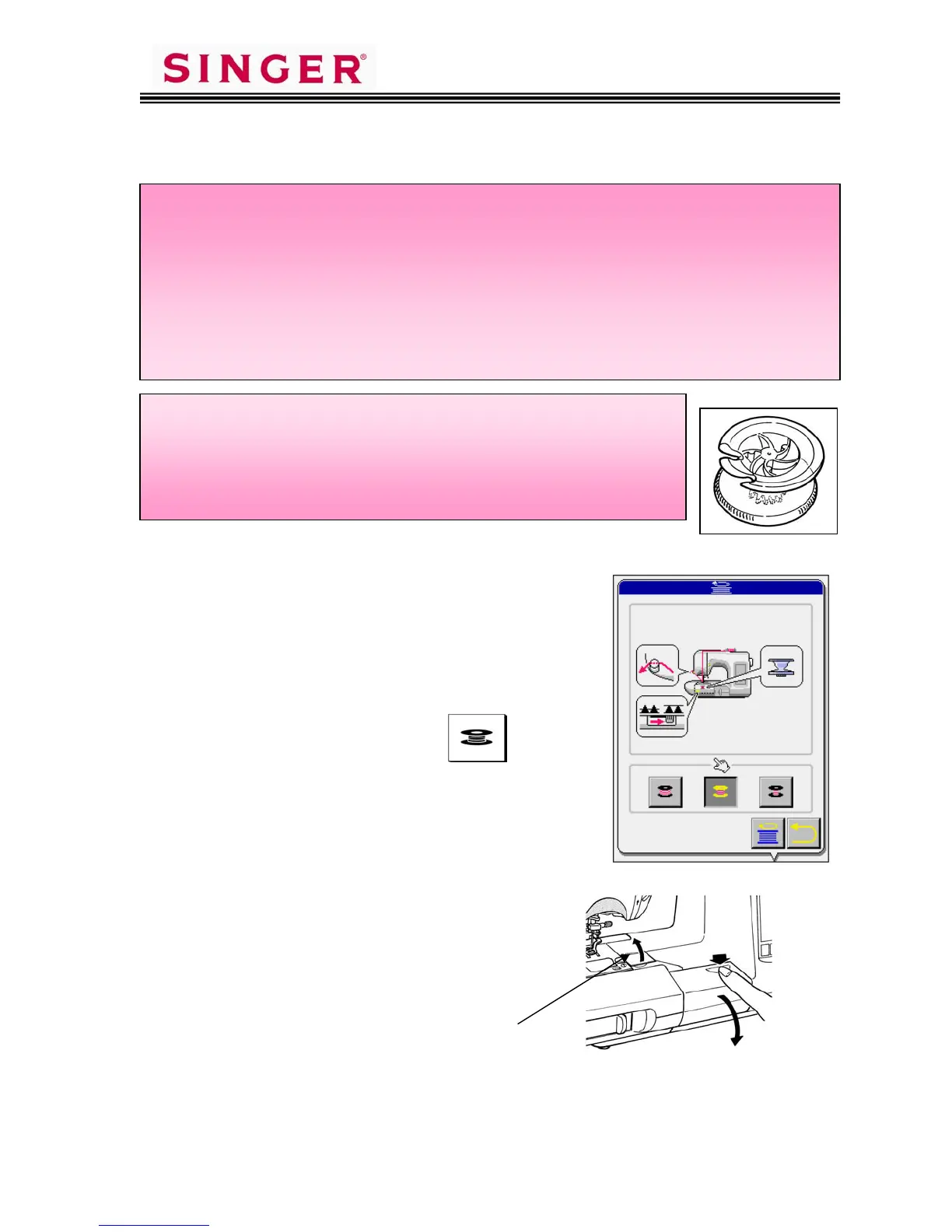
1. Install an empty bobbin and close the
bobbin case cover. Be sure to use the
special bobbins provided for this
operation, not the standard 15 class
bobbin.
2. Touch the Operation Key.
3. Select the amount of thread to be wound
on the bobbin.
4. Open the cover of the Endless Bobbin™
compartment and open the thread
retaining plate cover.
5. Place the spool of bobbin fill thread onto the spool pin.
Thread retaining plate cover - A
A
How the Endless Bobbin
™
Works
*When the bobbin has run out of thread while machine is engaged in
sewing an embroidery pattern, the machine will reposition the
embroidery frame and will start the Endless Automatic Bobbin
Winding Sequence.
*After completion of automatic bobbin winding, the machine will
automatically re-start sewing the embroidery pattern.
* Be sure to use bobbin illustrated. If the special bobbin is
not used, machine cannot perform Endless Bobbin
™
winding
function.
* Use Bobbin Fill Thread of 60 ~ 100 weight. Heavier weight
thread will not wind correctly.









 To Next Page