Quantum
®
XL-6000
SmartMedia Cards
- 29 -
The Quantum
®
XL-6000 uses SmartMedia Cards to store
embroidery designs. A large selection of Cards is available.
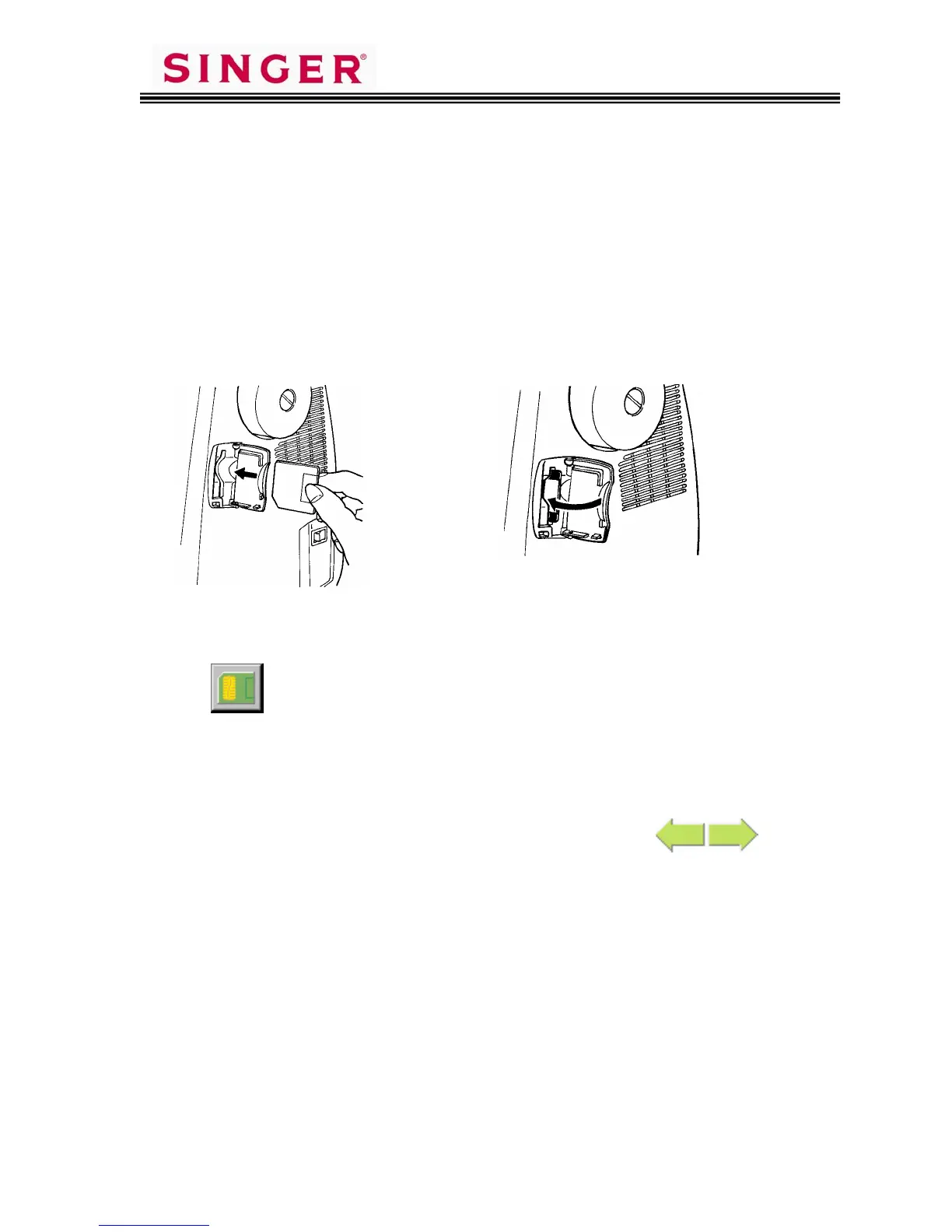
Open the card cover.
Hold the embroidery card with its
notched edge to the lower left.
Insert the card.
Touch Pictogram.
Designs and patterns stored on the embroidery cards will appear on the LCD
screen.
The contents of the card can be viewed by touching the
Pictograms.
Be sure to close the door or the
embroidery card will not work.









 To Next Page