Sinterit LISA PRO User Manual | 30
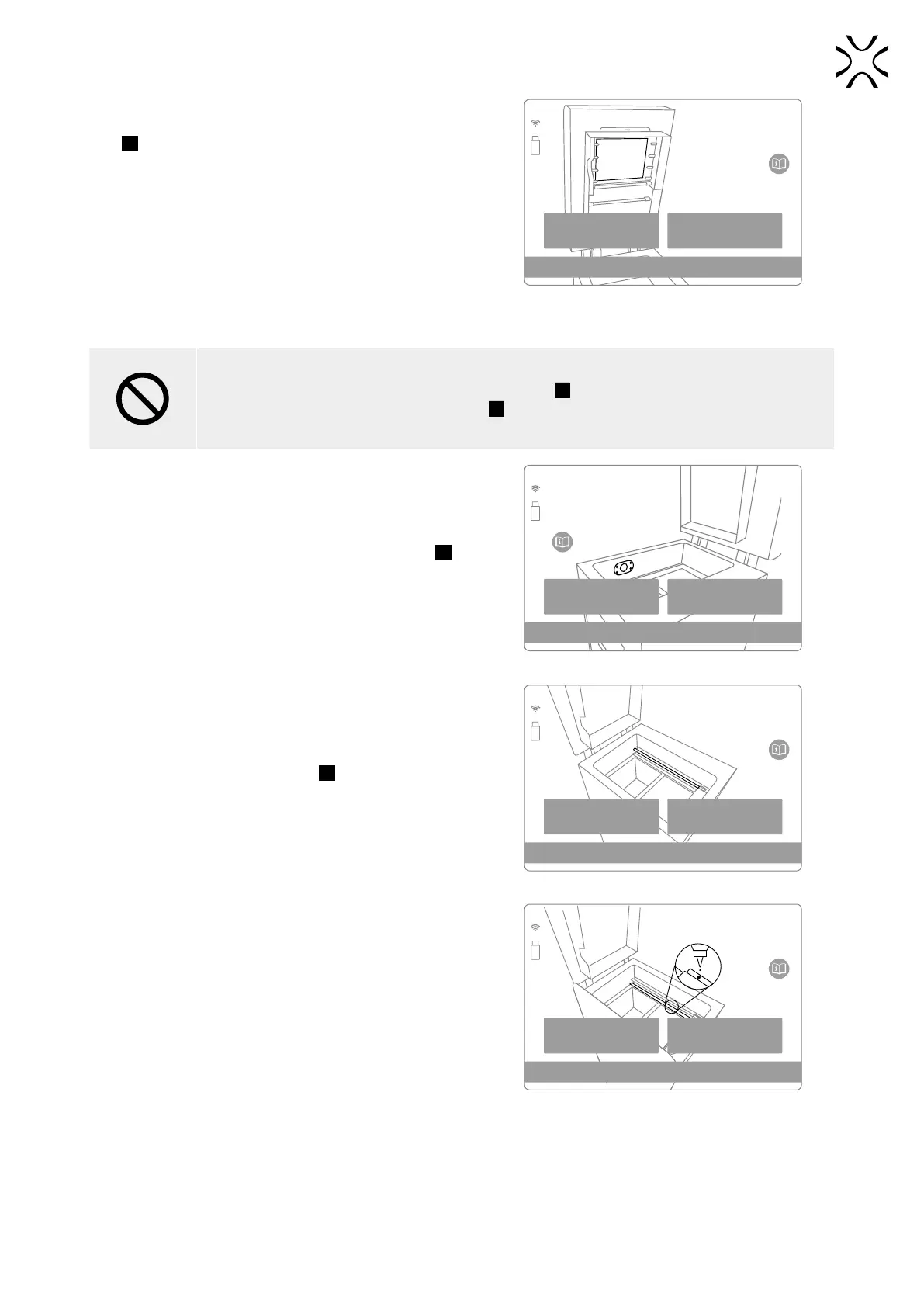
22. Remove, clean and then re-insert the Laser Protective Glass
G
. Then press the DONE button.
• The complete cleaning process is described in the section
„Maintenance and daily service of the Sinterit Lisa PRO
printer”, subsection „Laser Protective Glass - cleaning and
replacing”. Chapter 16, subchapter B.
• Remember to use only products with an ethanol-based
solution for cleaning! We recommend using the Alcohol
Pads from the Service Kit.
• Other products (e.g. isopropyl alcohol) can destroy the
Laser Protective Glass.
BACK DONE
PREPARATION STEP 5/9
Remove and clean the
laser protective glass.
Remove, clean and then re-insert the Laser
Protective Glass.
STOP!
• Watch out for the elements of the Heating module
24
of the device.
• Do not clean the Laser Protective Glass
G
under running water.
• The cleaning process should be carried out outside of the machine.
23. Gently clean the Pyrometer Window Module
32
. We
recommend using the Alcohol Pads from the Service Kit.
Wipe to dry and press the DONE button.
BACK DONE
PREPARATION STEP 6/9
Carefully clean the vision
window of the camera
and pyrometer
Clean the Pyrometer Window Module.
24. Clean the Recoater Guide Bar
26
. We recommend using
Alcohol Pads or a cotton cloth soaked in ethyl alcohol.
Press the DONE button.
BACK DONE
PREPARATION STEP 7/9
Clean the recoater
guide bar
Clean the Recoater Guide Bar.
25. After wiping the Recoater Guide Bar with alcohol, oil it with
silicone oil (available in the Service Kit). A few drops are
enough. Then press the DONE button.
BACK DONE
PREPARATION STEP 8/9
Lubricate guide bar of the
Recoater with silicone grease
Lubricate the Recoater Guide Bar
with silicone oil.



 To Next Page