ASSEMBLY AND OPERATION
OPERATING THE ON/OFF TRIGGER
SWITCH
INSTRUCTIONS FOR USE
Caution:
• Ensure that the saw head is well away from the work-piece before starting the saw.
• Allow the saw to do the work - Do not force the saw through the work-piece.
• Slide the saw with a smooth, step-less action to ensure a clean cut.
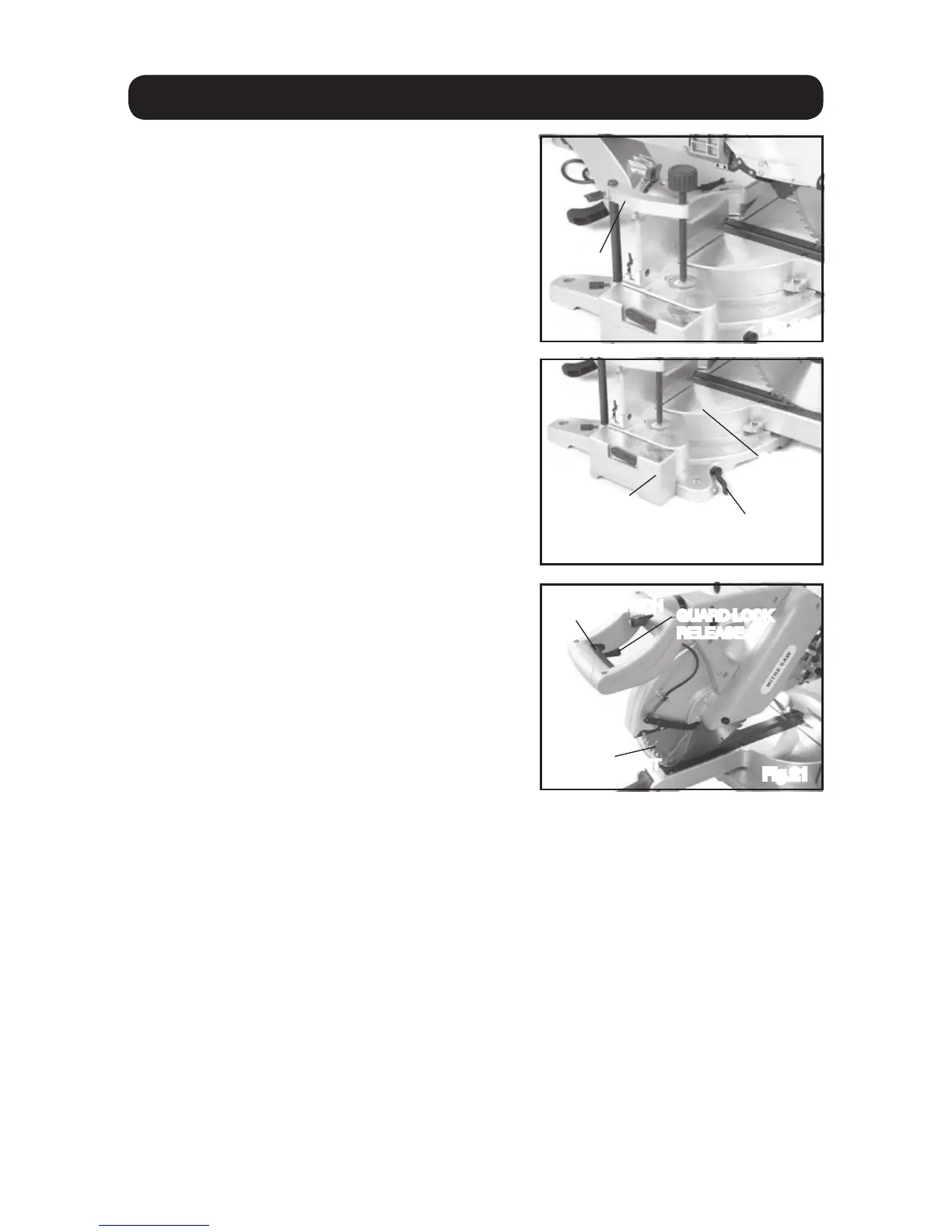
Fig.19
CLAMP
Fig.20
TABLE EXTENSION
Fig.21
ON/OFF SWITCH
GUARD LOCK
RELEASE
EXTENSION LOCK
SAW
TABLE
17
TABLE EXTENSIONS
To turn the machine on; press and hold
the On/Off Trigger switch.
To stop the machine release the On/Off
Trigger switch.
The transparent guard should cover the
whole blade until a cut is made. To release
the blade guard lock; press the guard lock
release (fig. 21) and pull the main handle
downwards. The guard will automatically
rise during the cut and return to it’s starting
position as the main handle is raised after
the cut.
Note: Always ensure that both the On/Off
Trigger switch and the guard lock release
work as expected before each opera-tion.
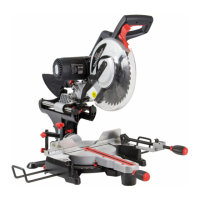
The saw has 2 table extensions, one to
the left of the main saw table and one to
the right. These are designed to give
added support when working with longer
timbers / work-pieces.
Release the extension lock (fig. 20) slide
the table out the required distance and
lock the extension lock to secure.
Note: When cutting longer pieces of timber;
make sure that the work-piece is secure
and supported, and that it sits flush on
the work table.
ON/OFF SWITCH
GUARD LOCK
RELEASE
TRANSPARENT
GUARD
TRANSPARENT
GUARD


 To Next Page