Pocket Printer A6 User’s Guide
SiPix Technical Support http://www.sipixdigital.com/support/
6
Turning the Printer On and Off
Push and release the power button once to turn the printer on. The green power
indicator will illuminate and the printer is ready to use. While the Pocket Printer A6
is on, push and release the power button once to turn the printer off. To conserve
power, the Pocket Printer A6 will automatically turn off after 3 minutes (batteries) or
1 hour (AC) of inactivity.
Loading the A6 roll paper
Ensure that the printer is off.
Open the A6 roll paper compartment.
Remove the roll paper from the protective plastic bag.
Remove the tape that secures the roll paper.
Put the roll paper into the compartment.
Note the correct direction and position as the illustration indicates, darker side
facing up and white side down.
Pull about 1/2" (10mm) of A6 roll paper out of the exit.
Close the cover of the A6 roll paper compartment.
Pull the paper upward and tear it off from the edge of exit.
Loading the A6 Sheet Paper
Ensure that the printer is on and that the roll paper has been removed.
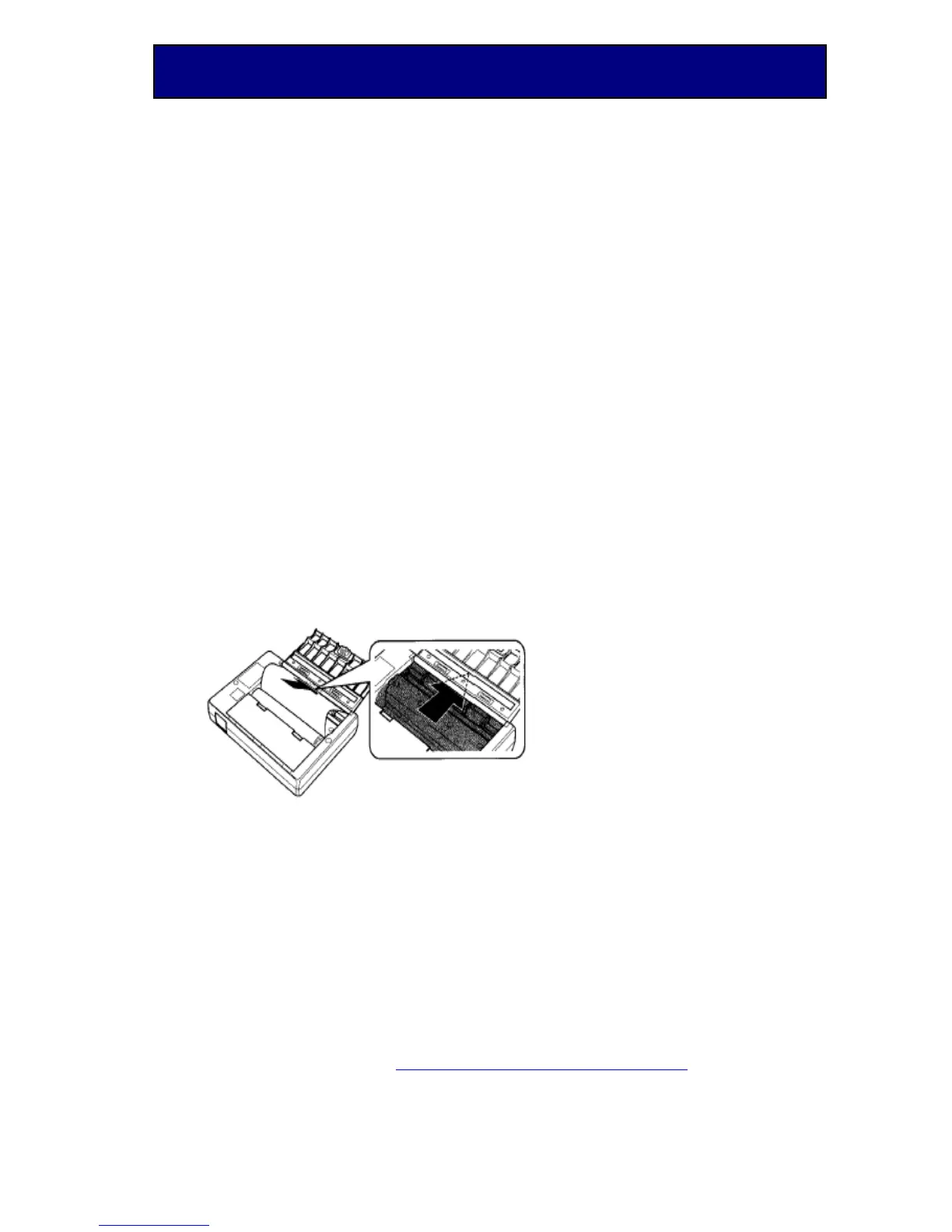
Load the sheet paper from the entrance located on the top of the printer as the
illustration below indicates.


 To Next Page