4 Configuring the ADSL2+ Modem
This ADSL2+ Modem uses a easy-setup web-interface which can be opened through your
webbrowser, such as Netscape Communicator or Internet Explorer. This approach can be
adopted in any MS Windows, Macintosh or UNIX based platforms.
The default configurations for the system are listed below.
4.1 Start-up and Log in
1. Start your web browser (e.g. Internet Explorer).
2. Type in de address bar: http://10.0.0.1, and press [Enter].
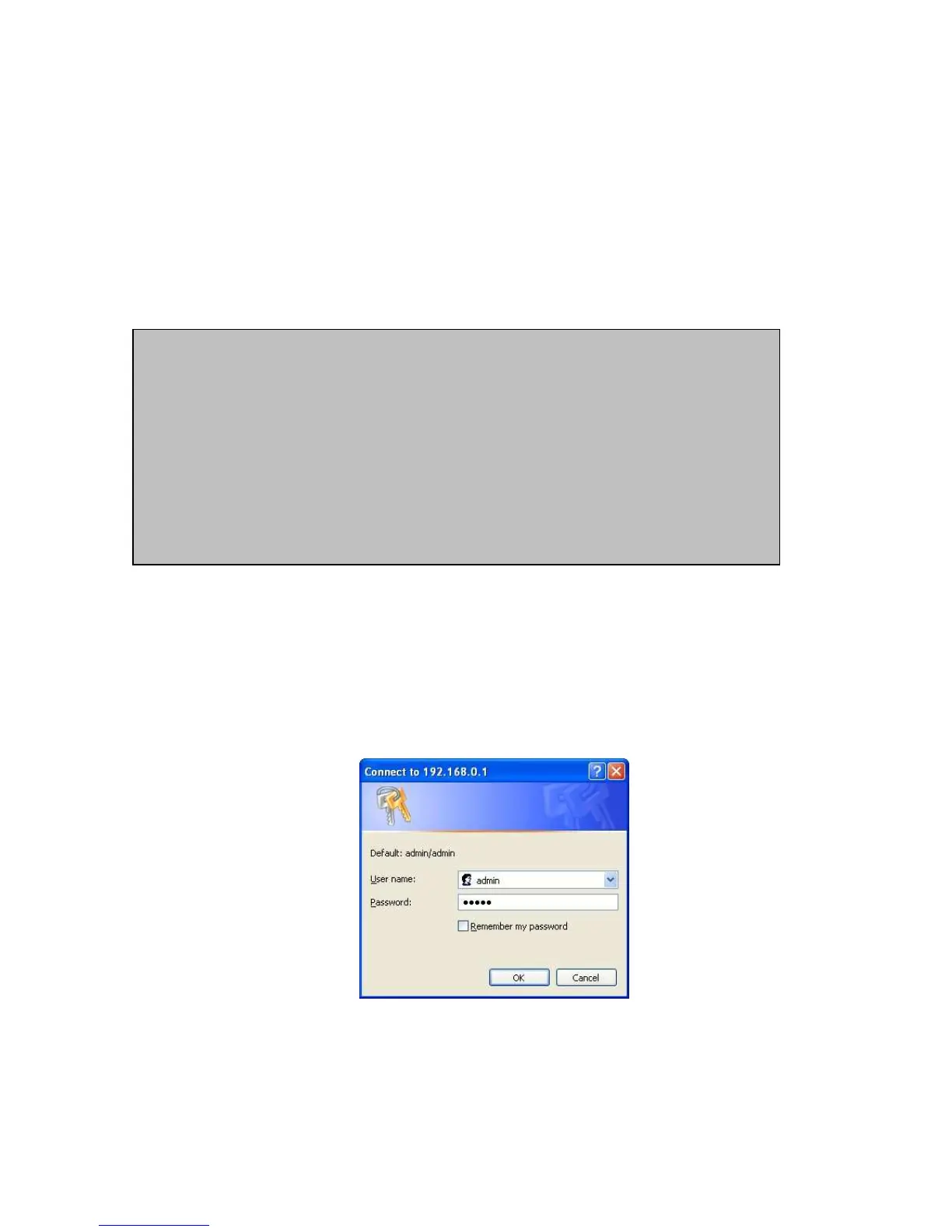
3. Enter your username as: admin, and for your password: admin, and click OK.
4. You will now see the start page for your modem.
• LAN IP address: 10.0.0.1 Subnet Mask: 255.255.255.0
• VPI/VCI: 8/35, Encapsulation: 1483 Bridged IP LLC
[Administrator Login]
• Username: admin, Password: admin
[User Login]
• Username: user, Password: user



 To Next Page