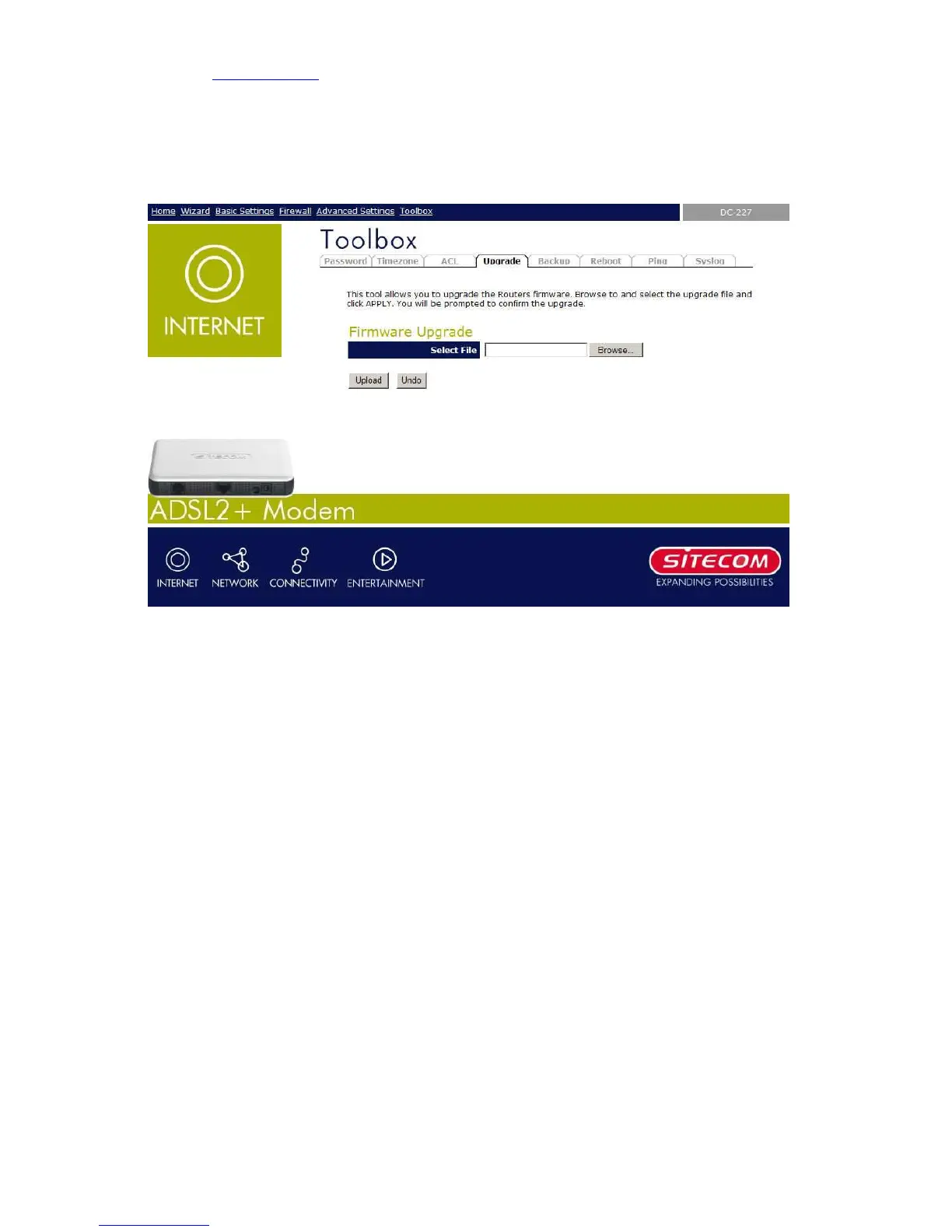
9.3 Firmware Upgrade
This page allows you to upgrade the modem’s firmware.
To upgrade the firmware for the DSL device:
− Click the Browse button to select the firmware file.
− Confirm your selection.
− Click the Upload button to start upgrading.
IMPORTANT! Do not turn off your DSL device or press the Reset button while this procedure
is in progress.
IMPORTANT! Make sure you use a wired client to upgrade the firmwqare from. Disable your
wireless network card to prevent possible damage due to incomplete upgrading.



 To Next Page