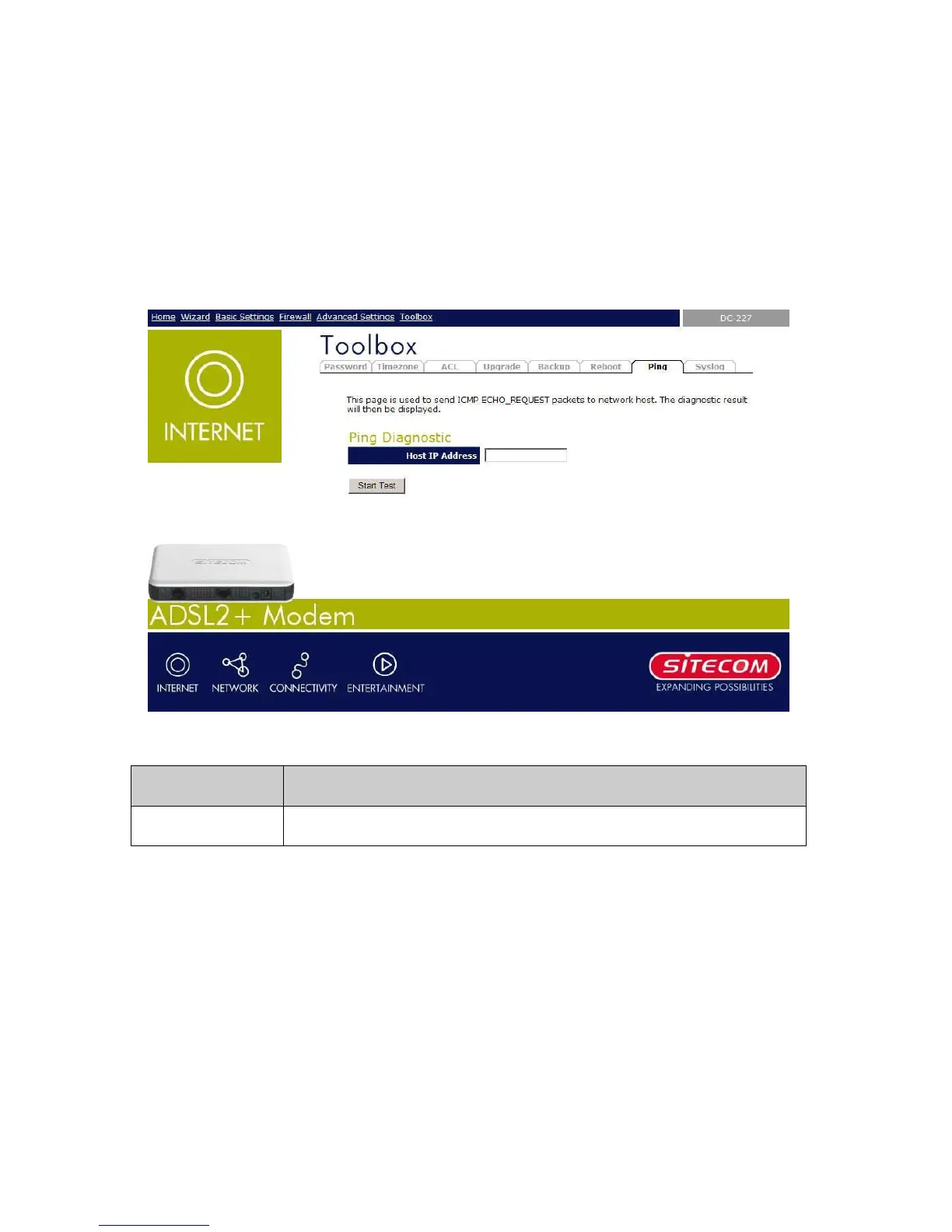
9.6 Ping
Once you have your DSL device configured, it is a good idea to make sure you can ping the
network. A ping command sends a message to the host you specify. If the host receives the
message, it sends messages in reply. To use it, you must know the IP address of the host you
are trying to communicate with and enter the IP address in the Host Address field. Click Go!
To start the ping command, the ping result will then be shown in this page.
Field Description
Host Address The IP address you want to ping.



 To Next Page