9 Toolbox
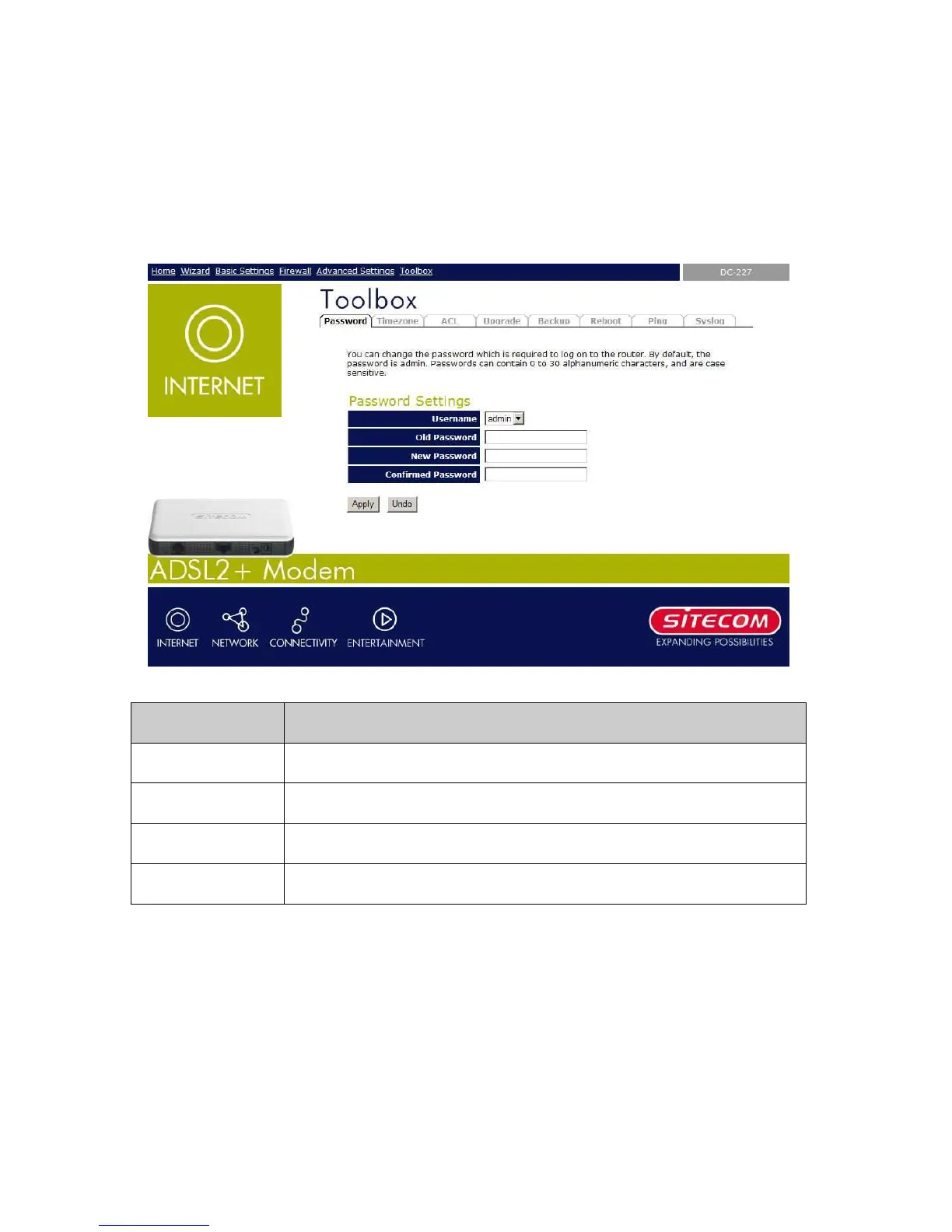
The first time you log into the system, you use the default password. There are two-level
logins: admin and user. The admin and user password configuration allows you to change
the password for administrator and user.
Field Description
User Name Selection of user levels are: admin and user.
Old Password Enter the old password for this selected login.
New Password Enter the new password here.
Confirmed Password



 To Next Page