Please check www.sitecom.com for up to date drivers & utilities, manuals and support
37
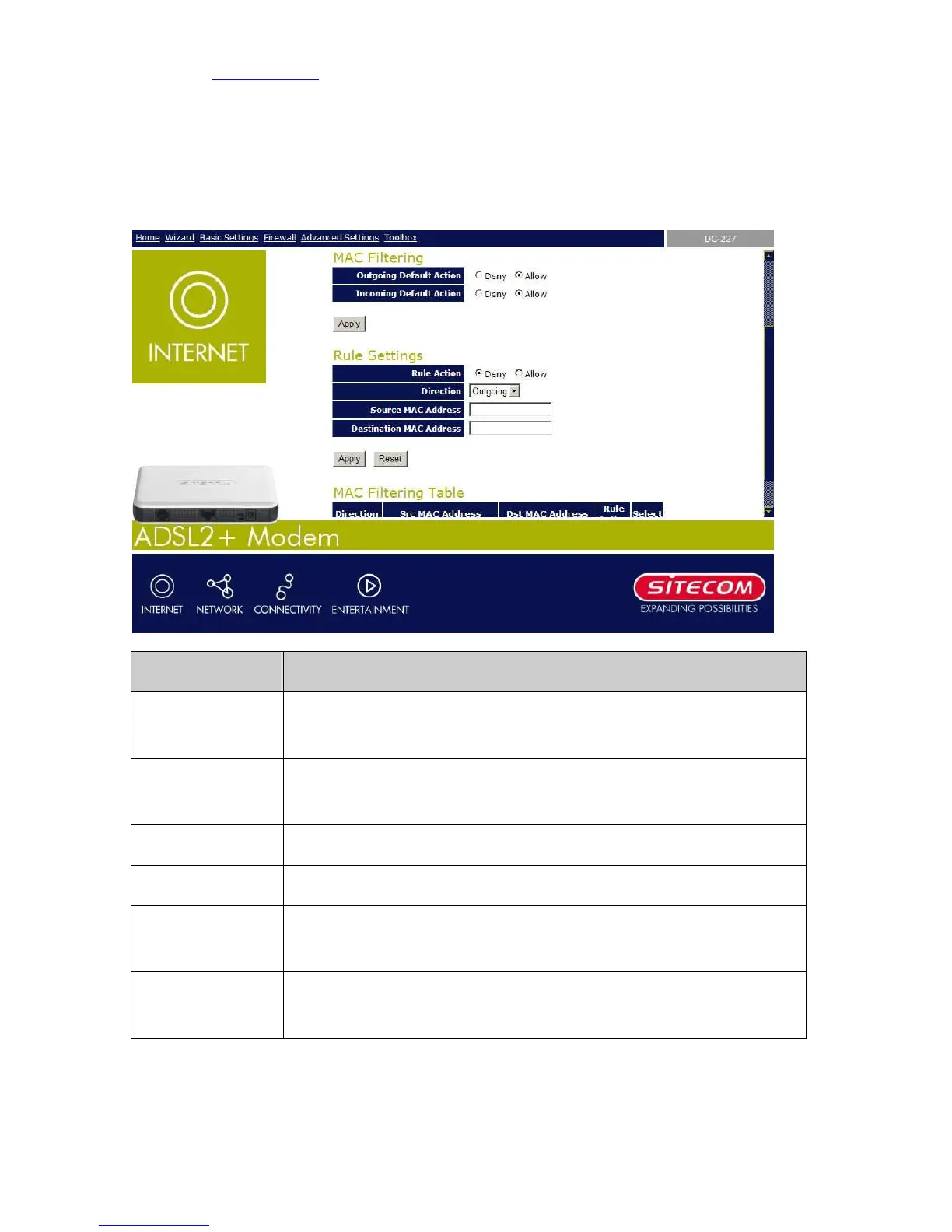
7.5 MAC Filtering
The MAC filtering feature allows you to define rules to allow or deny frames through the
device based on source MAC address, destination MAC address, and traffic direction.
Field Description
Outgoing Default
Action
Specify the default action on the LAN to WAN bridging/forwarding path.
Incoming Default
Action
Specify the default action on the WAN to LAN bridging/forwarding path.
Rule Action Deny or allow traffic when matching this rule.
Direction Traffic bridging/forwarding direction.
Src MAC Address
he source MAC address. It must be xxxxxxxxxxxx format. Blanks can be
used in the MAC address space and are considered as don’t care.
Dst MAC Address The destination MAC address. It must be xxxxxxxxxxxx format.
can be used in the MAC address space and are considered as don’t care.



 To Next Page