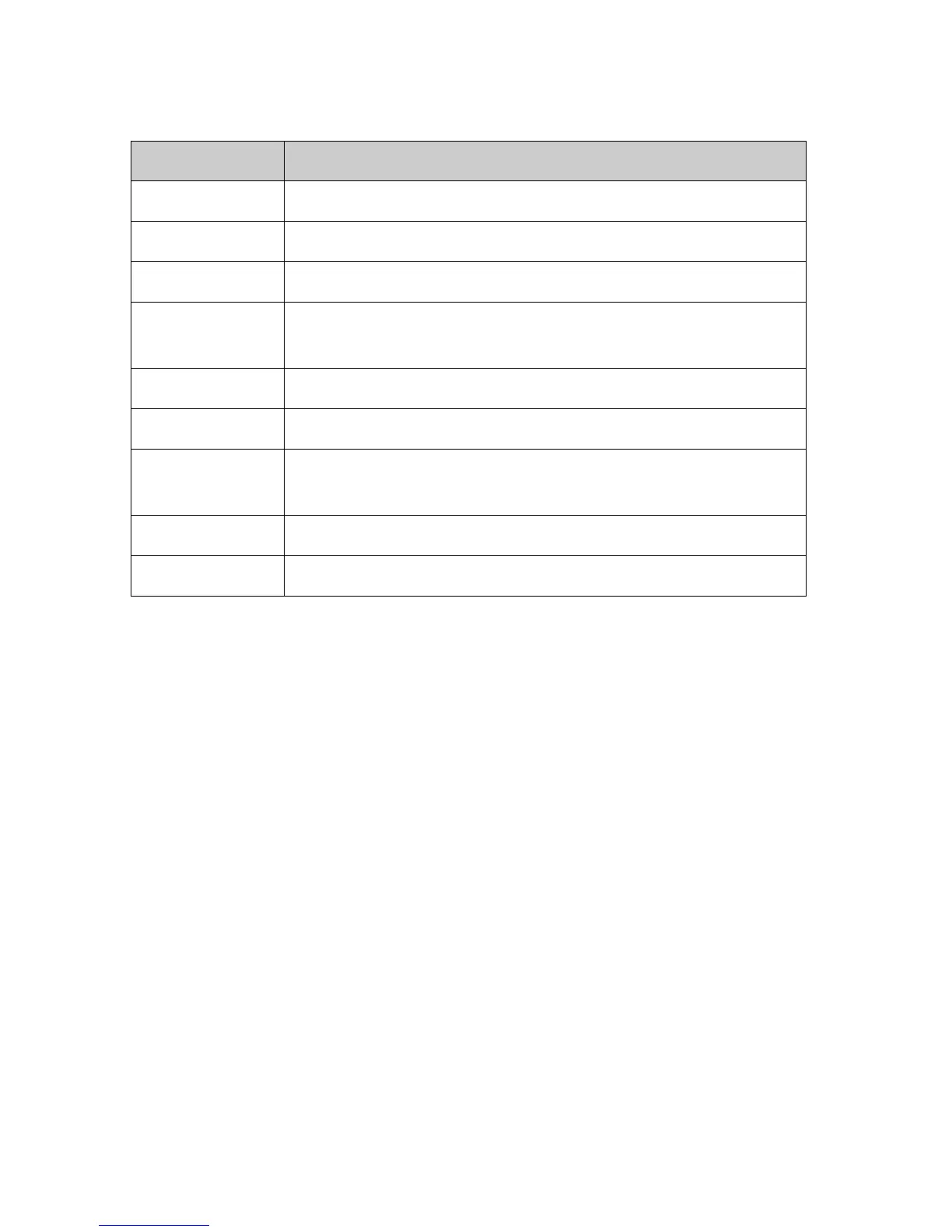
Field Description
Rule Action Deny or allow traffic when matching this rule.
Direction Traffic forwarding direction.
Protocol There are 3 options available: TCP, UDP and ICMP.
Src IP Address The source IP address assigned to the traffic on which filtering is
applied.
Src Subnet Mask Subnet-mask of the source IP.
Src Port Starting and ending source port numbers.
Dst IP Address The destination IP address assigned to the traffic on which filtering is
applied.
Dst Subnet Mask Subnet-mask of the destination IP.
Dst Port Starting and ending destination port numbers.
Apply Changes
Click to save the rule entry to the configuration.
Delete Selected
Delete selected filtering rules from the filter table. You can click the checkbox at the
Select column to select the filtering rule.
Delete All
Delete all filtering rules from the filter table.



 To Next Page