EasyManua.ls Logo

Sitecom WL-108 - Rear Panel

Sitecom WL-108
72 pages
Print Icon
To Next Page IconTo Next Page
To Previous Page IconTo Previous Page
Loading...
WL-108 Wireless Network Modem/router 11M
10
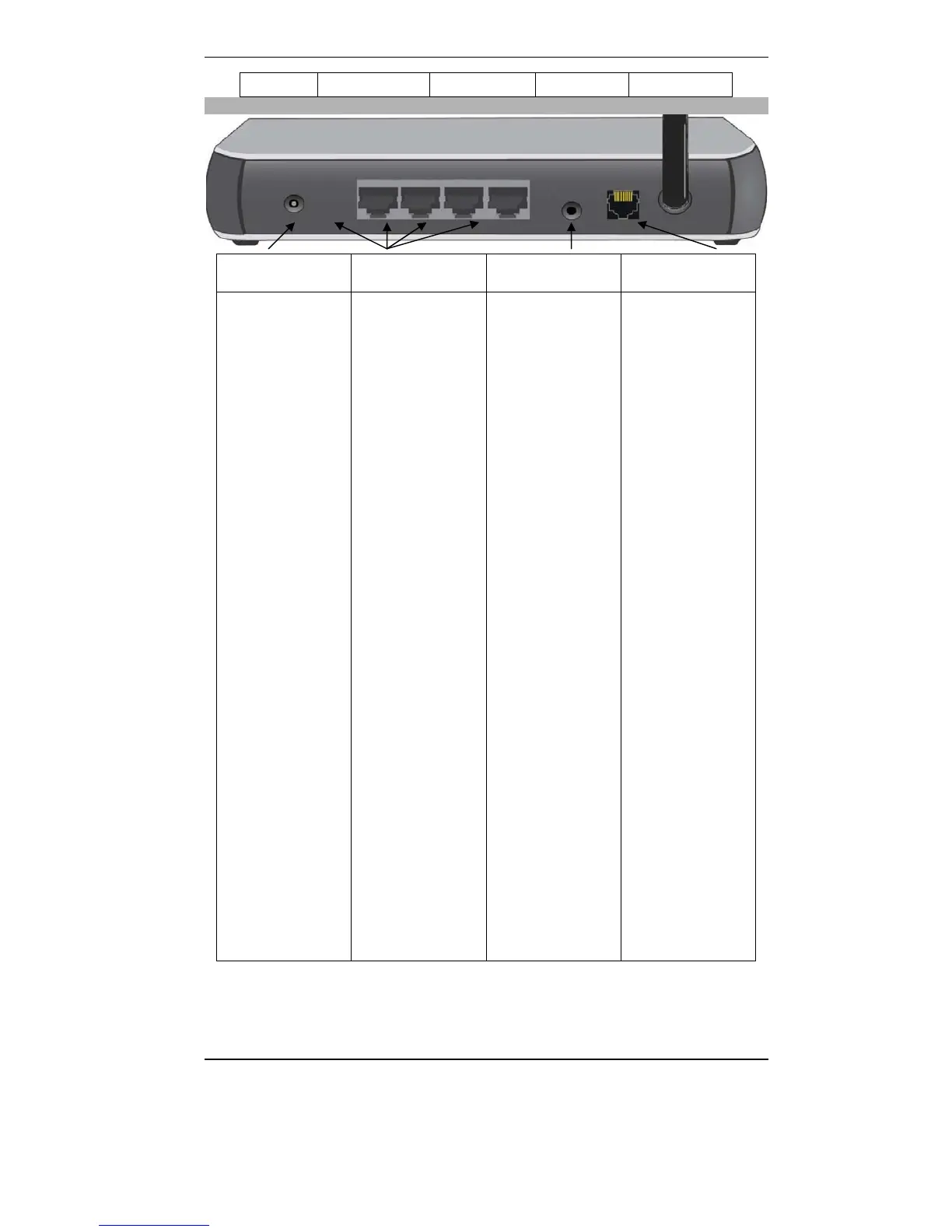
Rear Panel
Power port 10/100BaseT
LAN connections
Reset Button WAN port
(10/100BaseT)
Connect the supplied
power adapter here.
Use standard LAN
cables (RJ45
connectors) to
connect your PCs to
these ports.
Note:
Any LAN port on the
WL-108/109 will
automatically
function as an
"Uplink" port when
required. Just
connect any port to
a normal port on the
other hub, using a
standard LAN cable.
This button has two
(2) functions:
Reboot. When
pressed and
released, the WL-
108/109 will reboot
(restart).
Diagnostic print-
out. If held down
for 3 seconds, a
diagnostic print-out
will be sent to the
attached printer.
Ensure the printer is
ready before doing
this.
Clear All Data.
This button can also
be used to clear ALL
data and restore ALL
settings to the
factory default
values.
To Clear All Data
and restore the
factory default
values:
Power Off.
Hold the Reset
Button down while
you Power On.
Keep holding the
Reset Button for a
few seconds, until
the RED Status LED
on the front panel
has flashed TWICE.
Release the Reset
Button. The WL-
108/109 is now
using the factory
default values.
Connect this port to
your ADSL line.

Table of Contents

Related product manuals