WL-108 Wireless Network Modem/router 11M
11
PC Setup
Set up TCP/IP
If you are using a Fixed (specified) IP address, the following
changes are required:
• The Gateway must be set to the IP address of the WL-108/109
• The DNS should be set to the address provided by your ISP.
Using DHCP
To use DHCP, select the radio button Obtain an IP Address automatically.
This is the default Windows setting. Using this is recommended. By
default, the WL-108/109 will act as a DHCP Server.
Windows 98/ME
Right click the Network Neighbourhood icon on the desktop and click
Properties. The following window will be displayed:
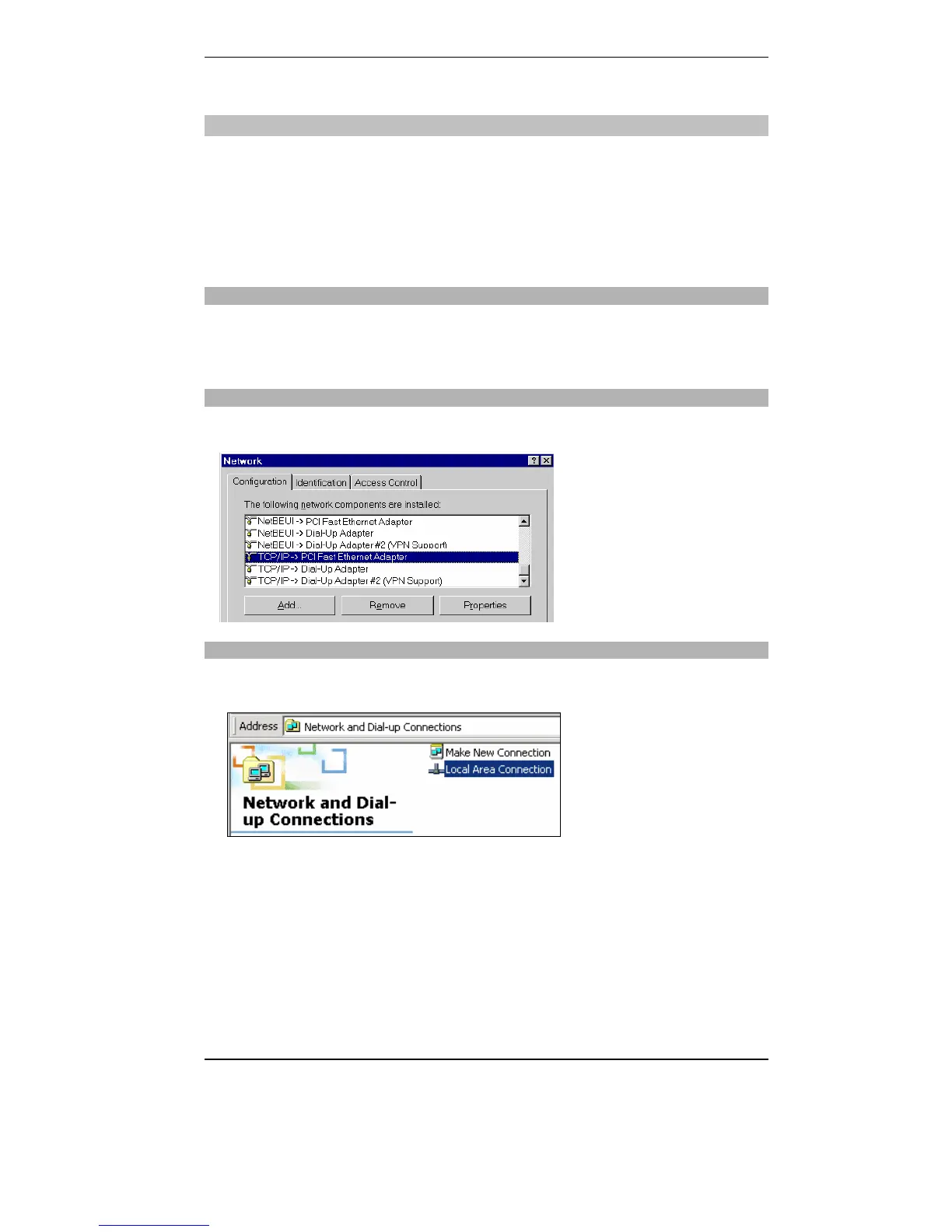
Windows 2000/XP
Right click the My Network Places icon on the desktop and click
Properties. The following window will be displayed:
Right click the Local Area Connection of the correct network card, and
then choose Properties.



 To Next Page