WL-108 Wireless Network Modem/router 11M
47
Config File
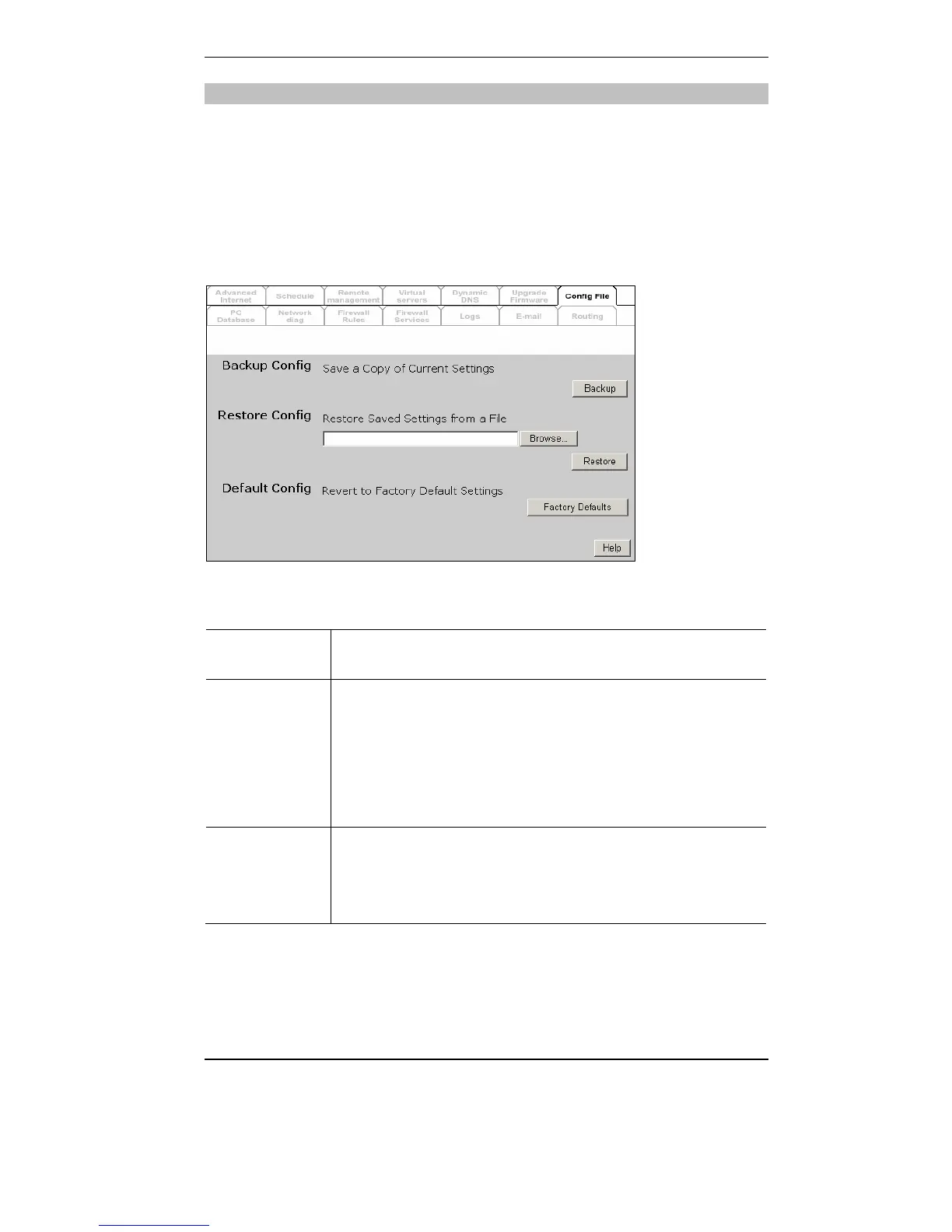
This feature allows you to download the current settings from the WL-
108/109, and save them to a file on your PC.
You can restore a previously-downloaded configuration file to the WL-
108/109, by uploading it to the WL-108/109.
This screen also allows you to set the WL-108/109 back to its factory
default configuration. Any existing settings will be deleted.
An example Config File screen is shown below.
Data - Config File Screen
Backup
Config
Use this to download a copy of the current configuration, and store the
file on your PC. Click Download to start the download.
Restore
Config
This allows you to restore a previously-saved configuration file back to
the WL-108/109.
Click Browse to select the configuration file, then click Restore to
upload the configuration file.
WARNING !
Uploading a configuration file will destroy (overwrite) ALL of the
existing settings.
Default
Config
Clicking the Restore Defaults button will reset the WL-108/109 to its
factory default settings.
WARNING !
This will delete ALL of the existing settings.



 To Next Page