WL-108 Wireless Network Modem/router 11M
28
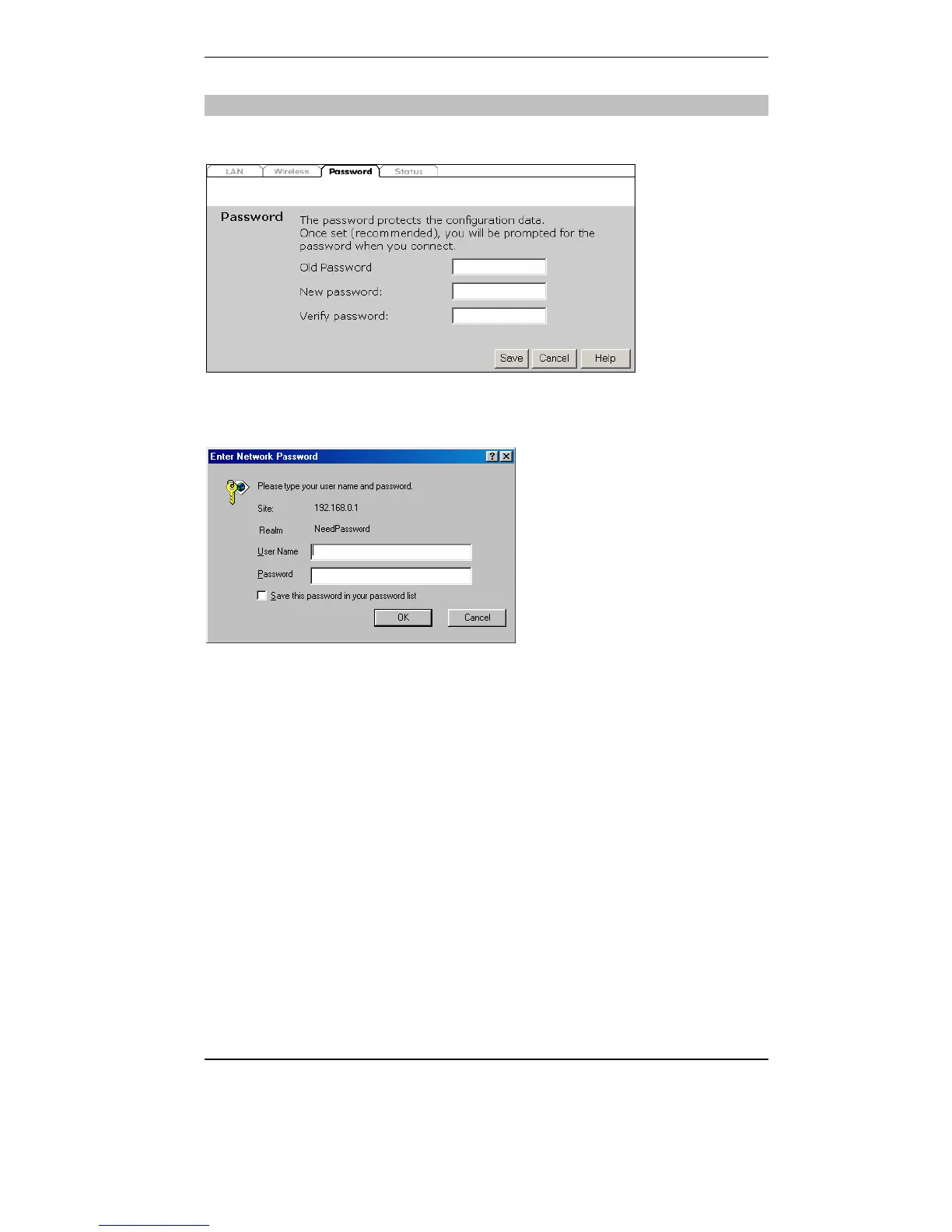
Password Screen
The password screen allows you to assign a password to the WL-108/109.
Once you have assigned a password to the WL-108/109 (on the Password
screen above) you will be prompted for the password when you connect, as
shown below. (If no password has been set, this dialog will not appear.)
• Leave the "User Name" blank.
• Enter the password for the WL-108/109, as set on the Password screen
above.



 To Next Page