WL-108 Wireless Network Modem/router 11M
13
Windows NT
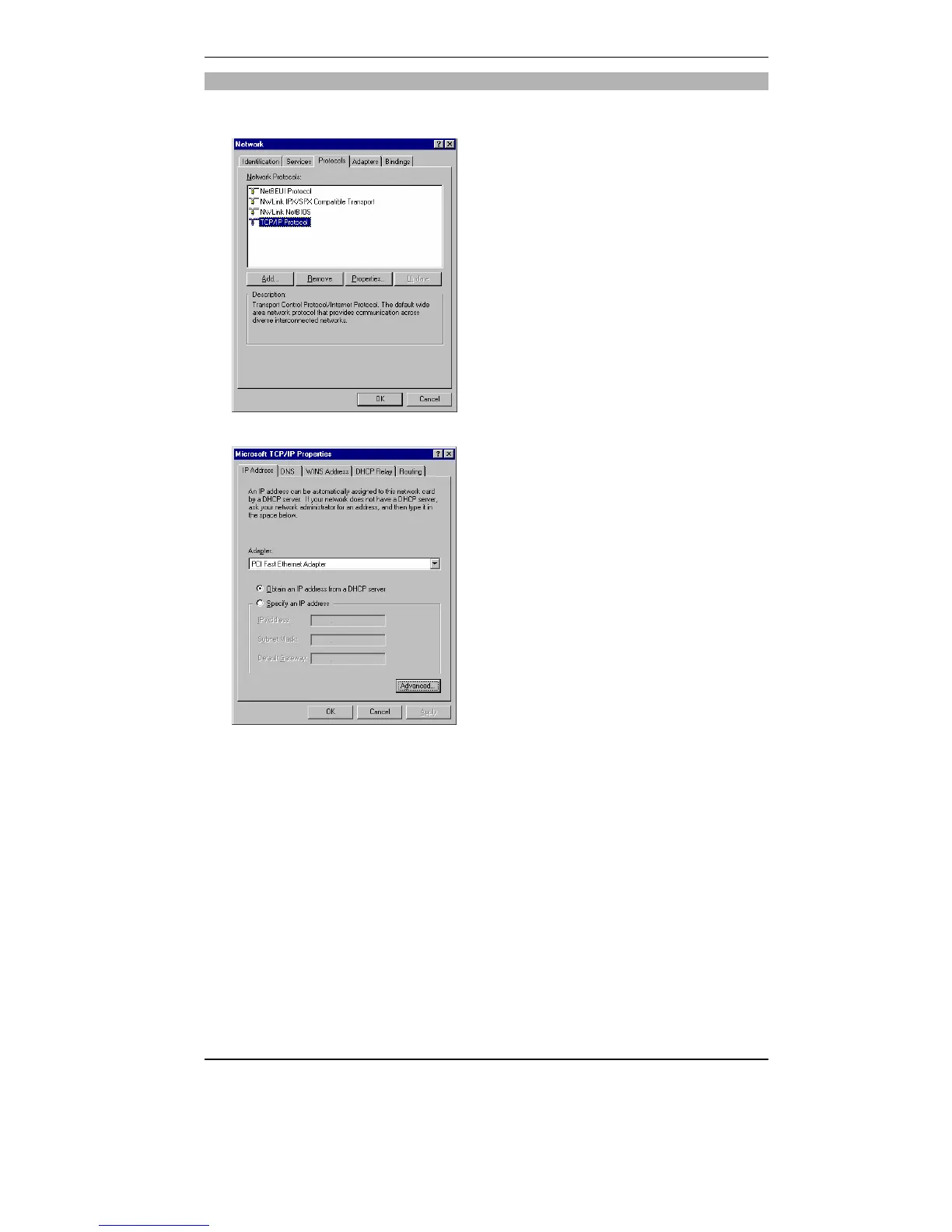
Select Control Panel - Network, and, on the Protocols tab, select the TCP/IP
protocol, as shown below.
Click the Properties button to see a screen like the one below.
Select the network card for your LAN.
Select the appropriate radio button - Obtain an IP address from a DHCP
Server
Restart your PC, even if you have not made any changes.



 To Next Page