HM30 User Manual v1.3
41
2024 SIYI Technology Copyright
Steps
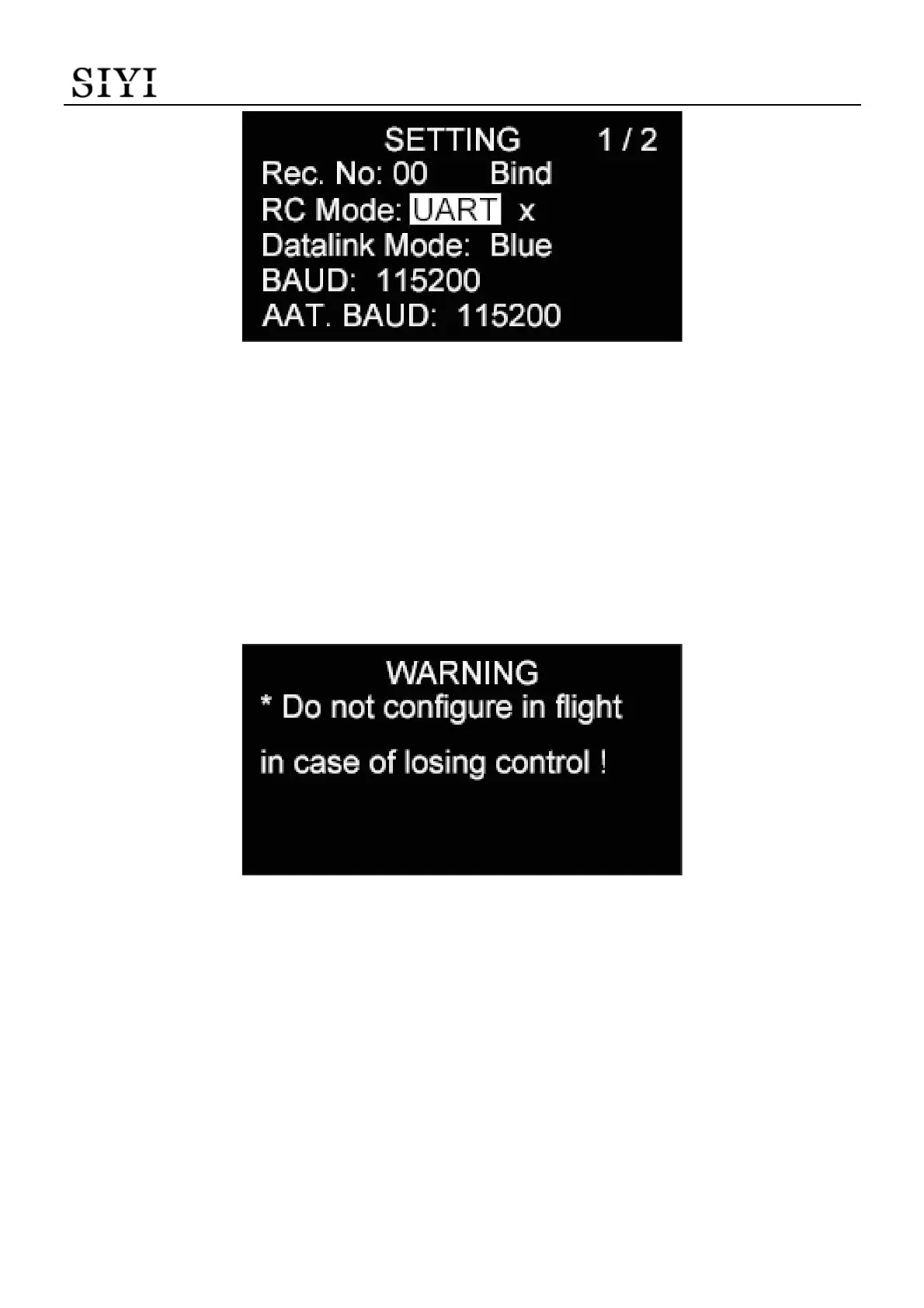
1. Press the “Up” button and the “Down” button to move the cursor to the current
RC signal input port and press the “Select” button.
2. The OLED screen will alert “Do not configure (this function) in flight in case of
losing control!”
3. Press the “Select” button again to go into the page of “RC Signal Input”.
4. Move the cursor to the RC signal input mode needed.


 To Next Page