HM30 User Manual v1.3
45
2024 SIYI Technology Copyright
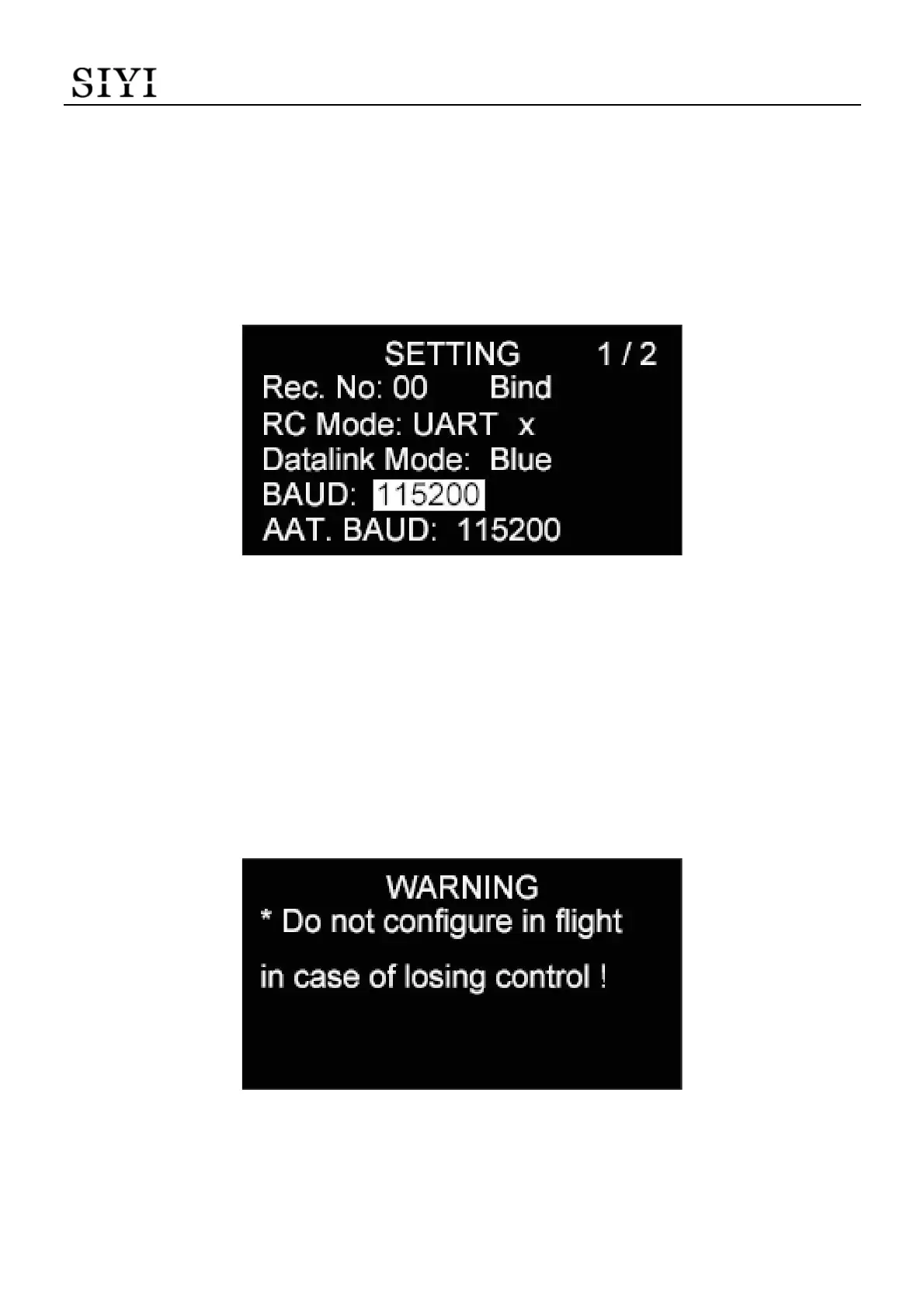
3.1.5 Datalink Baud Rate
HM30 system can establish datalink connection between the flight controller and
the GCS in different baud rates. The available baud rates are 9600, 38400, 57600,
115200, and 230400.
Steps
1. Press the “Up” button and the “Down” button to move the cursor to the current
datalink baud rate and press the “Select” button.
2. The OLED screen will alert “Configure (this function) in communication with the
air unit!”
3. Press the “Select” button again to go into the page of “Datalink Baud Rate”.
4. Move the cursor to the datalink baud rate needed and select.


 To Next Page