HM30 User Manual v1.3
40
2024 SIYI Technology Copyright
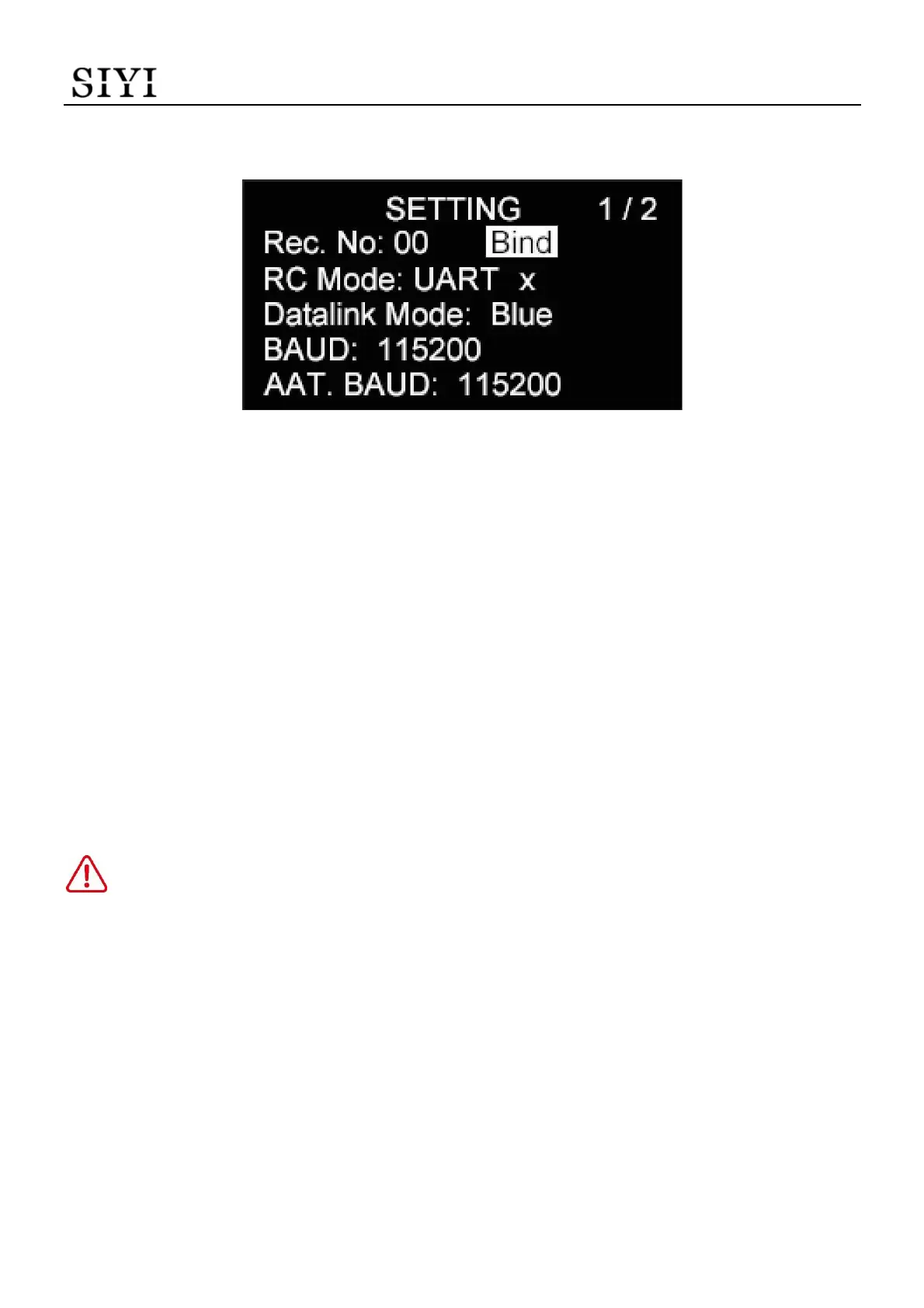
3.1.2 Bind
Please follow the steps below to bind HM30 ground unit and HM30 air unit.
1. Press the “Up” button and the “Down” button to move the cursor to the “Bind”
button and press the “Select” button.
2. Ground unit status indicator starts to blink red fast. “bind” turns to “binding”.
3. Then press and hold the binding button on the air unit for about two seconds. Air
unit status indicator starts to blink red fast as well.
4. Let’s wait for five to ten seconds till both status indicators on the ground unit and
the air unit turn to solid blue. Binding is finished.
DANGER
Do not attempt this function during flight, otherwise the link will lose control.
3.1.3 RC Signal Input
The RC port on HM30 ground unit supports three RC signal input modes. S.Bus,
PPM, and UART.


 To Next Page