HM30 User Manual v1.3
48
2024 SIYI Technology Copyright
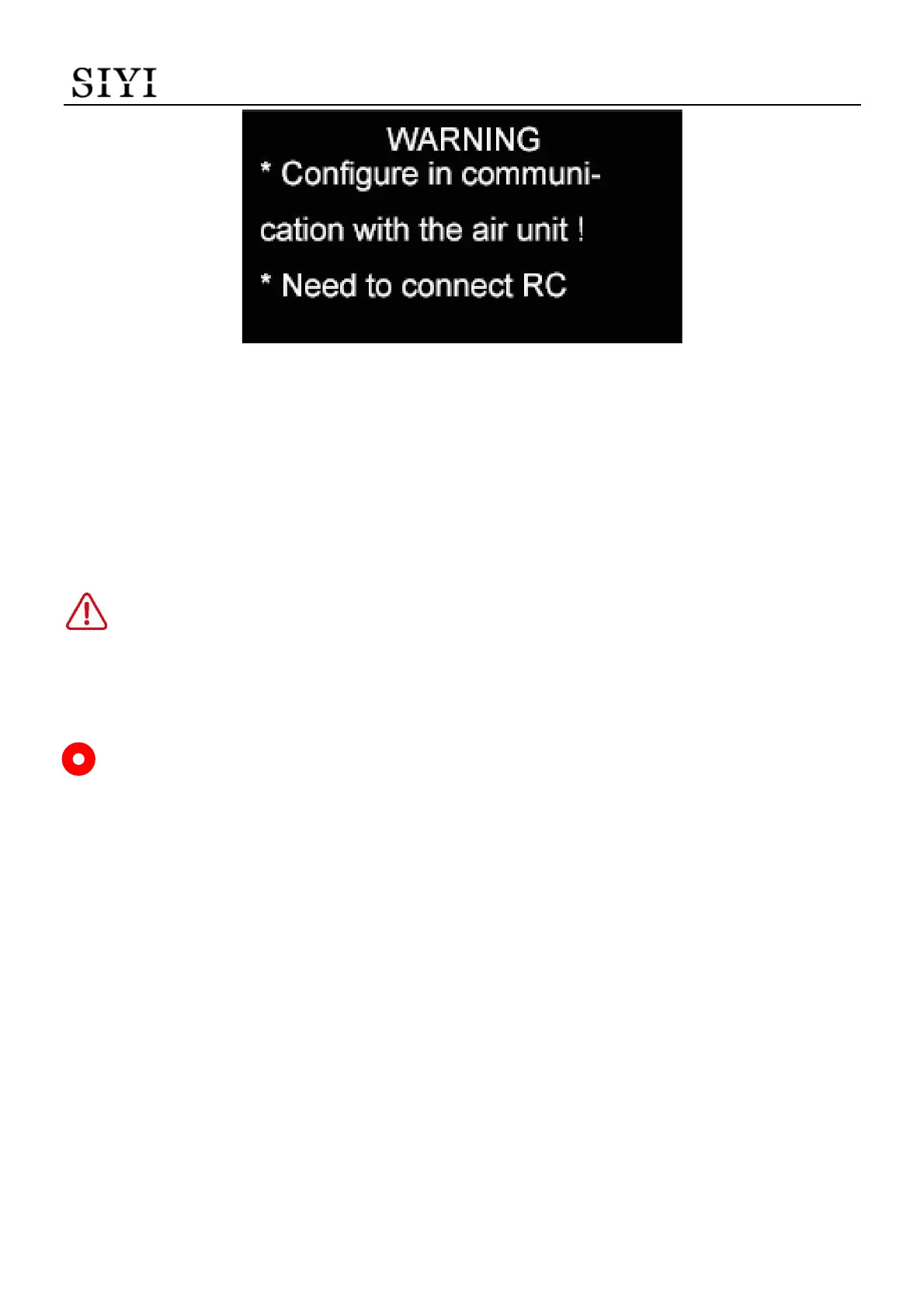
2. The OLED screen will alert “Configure (this function) in communication with the
air unit!” and “Need to connect (HM30 ground unit) with the radio controller!”.
3. Press the “Select” button again, HM30 ground unit will read the RC signal input
value and set it as the failsafe channel value.
DANGER
Do not attempt this function during flight, otherwise the link will lose control.
Mark
If the ground unit was not in communication with the air unit, failsafe configuration does
not take effect.
If there was no RC signal input to the ground unit, failsafe configuration does not take effect.
3.1.8 RSSI Channel
HM30 ground unit supports assigning a communication channel for RSSI data.


 To Next Page