➢
When Right Gun 1 and Right Gun 2 are both on, count into White 12".
Pattern Counter Channels may be custom ordered for your specific needs—please
contact your preferred OEM or Skip-Line for availability and compatibility.
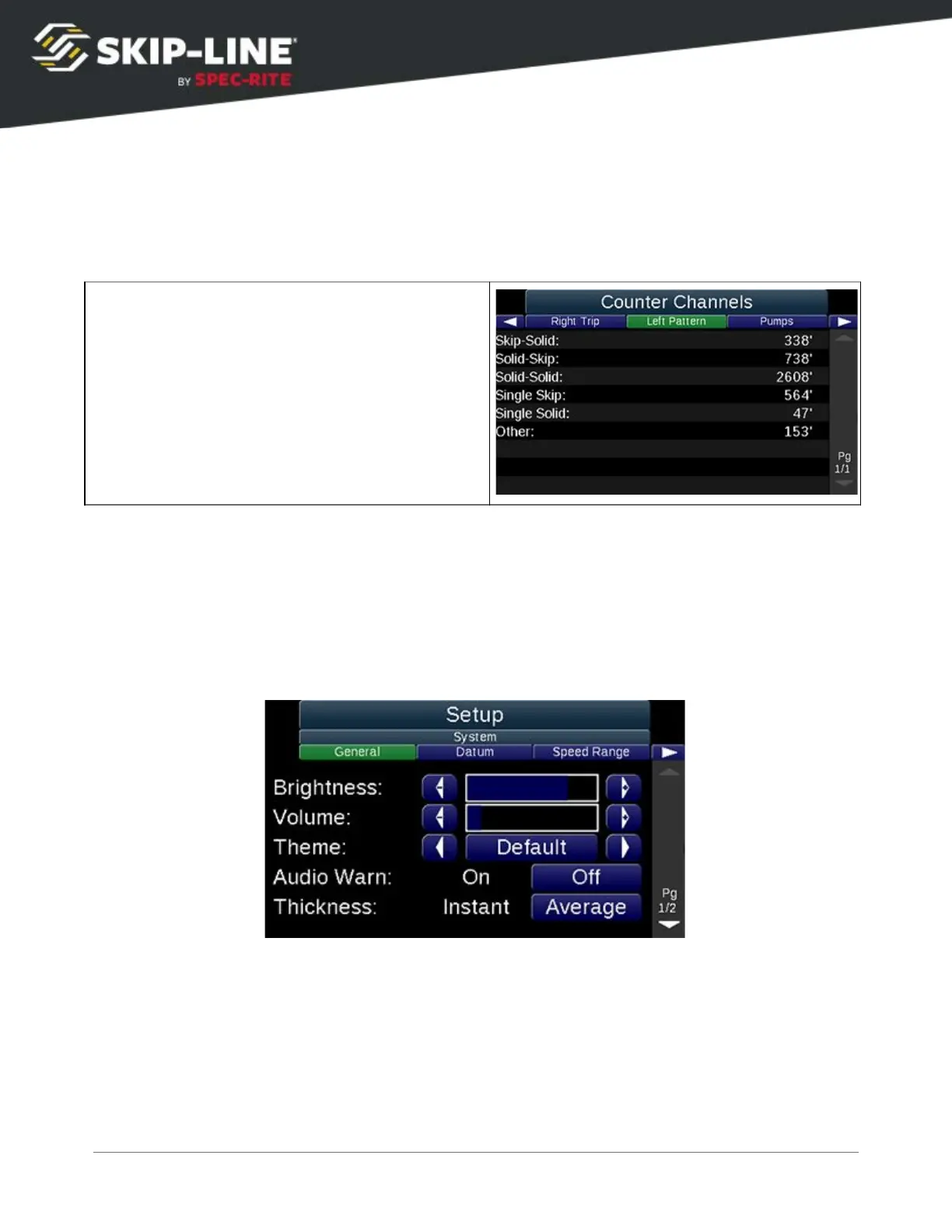
4.5 Setup
The Setup menu
is split up into several sub-sections for fast and easy
navigation of advanced system configurations.
4.5.1 System
General
➢
Brightness:
Screen brightness
➢
Theme:
The color theme for the menus. Dimmer themes reduce eye strain
at night, while more colorful themes are easier to see during the day.
➢
Thickness:
Instant displays the estimated thickness over the last few
strokes. Average will calculate over the whole job and is the default way to
track the thickness.
Note that other general items may be added to this list for various future system
functions.
SC-12 Road Marking Control System - Installation and Operation Manual
30



 To Next Page