The
Side
toggle determines if the operator is
editing the layout for the left or right side of
the truck. This value is not displayed on
systems with only one side.
The
Lines
spinner specifies the number of lines, or
columns, in the carriage layout for the selected
side. Guns next to each other are in different lines.
The
Ranks
spinner specifies the number of
ranks in the carriage layout for the selected
side. Guns in front of or behind each other are
in different ranks.
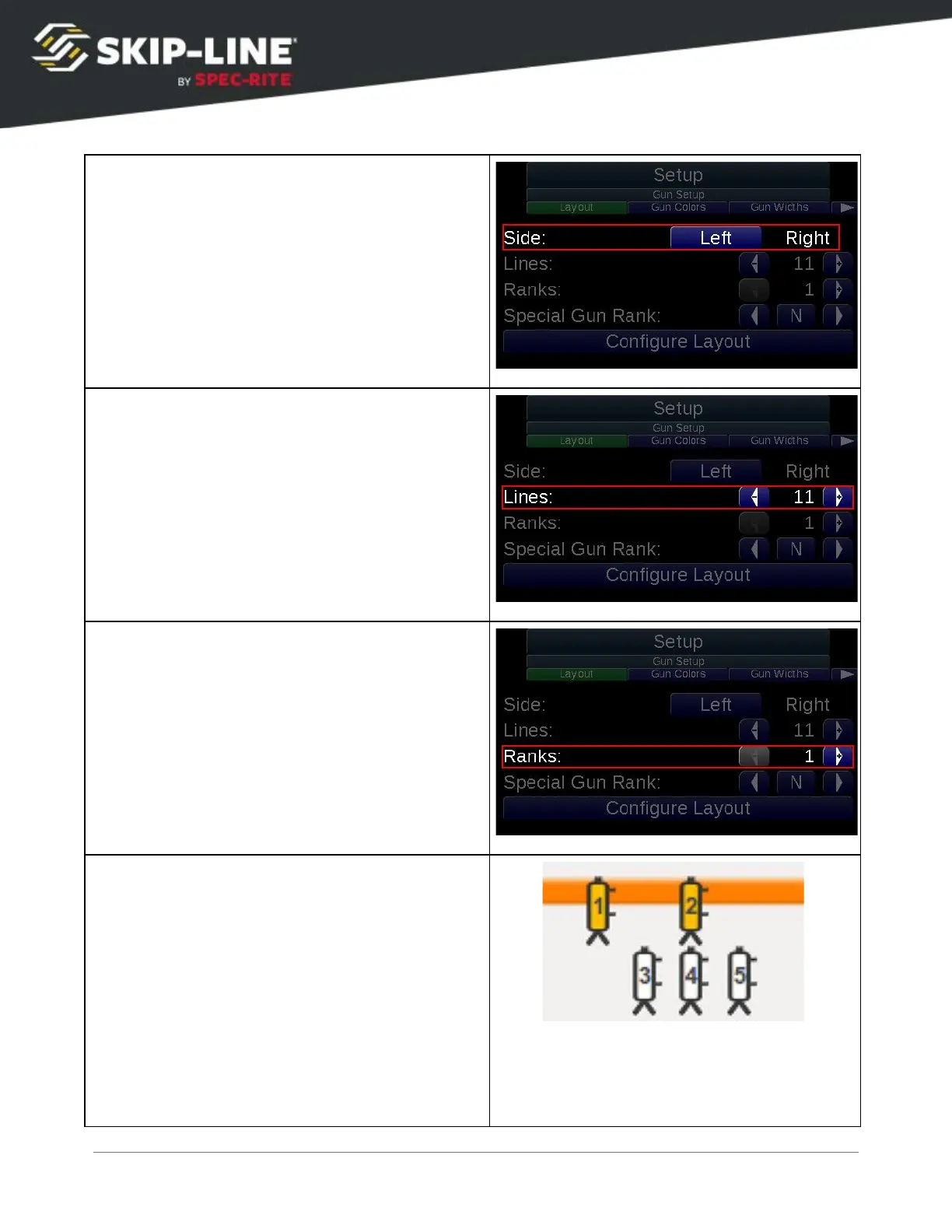
On this example carriage:
Line 1:
Gun 1
Line 2:
Gun 3
Line 3:
Gun 2, Gun 4
Line 4:
Gun 5
Rank 1:
Yellow Guns (Gun 1, Gun 2)
Rank 2:
White Guns (Gun 3, Gun 4, Gun 5)
SC-12 Road Marking Control System - Installation and Operation Manual
44



 To Next Page