○ Fore Gap: The indent/gap between Fore Shadow and a stripe.
○ Aft Gap: The indent/gap between a stripe and an Aft Shadow.
➢ Contrast: Contrast
mode applies paint between two adjacent guns.
○ Refer to the Pattern Preview
area on the Main Screen
to see the expected
patterns.
Note: Black paint is often desired to not overlap with other paint colors and
beads. Proper Gun Delays and Gun Offsets values will ensure accurate
cross-color positional registration between color gun, black gun, and bead guns.
Carriage Layout
Carriage Layout is an optional feature and will not be included in every system.
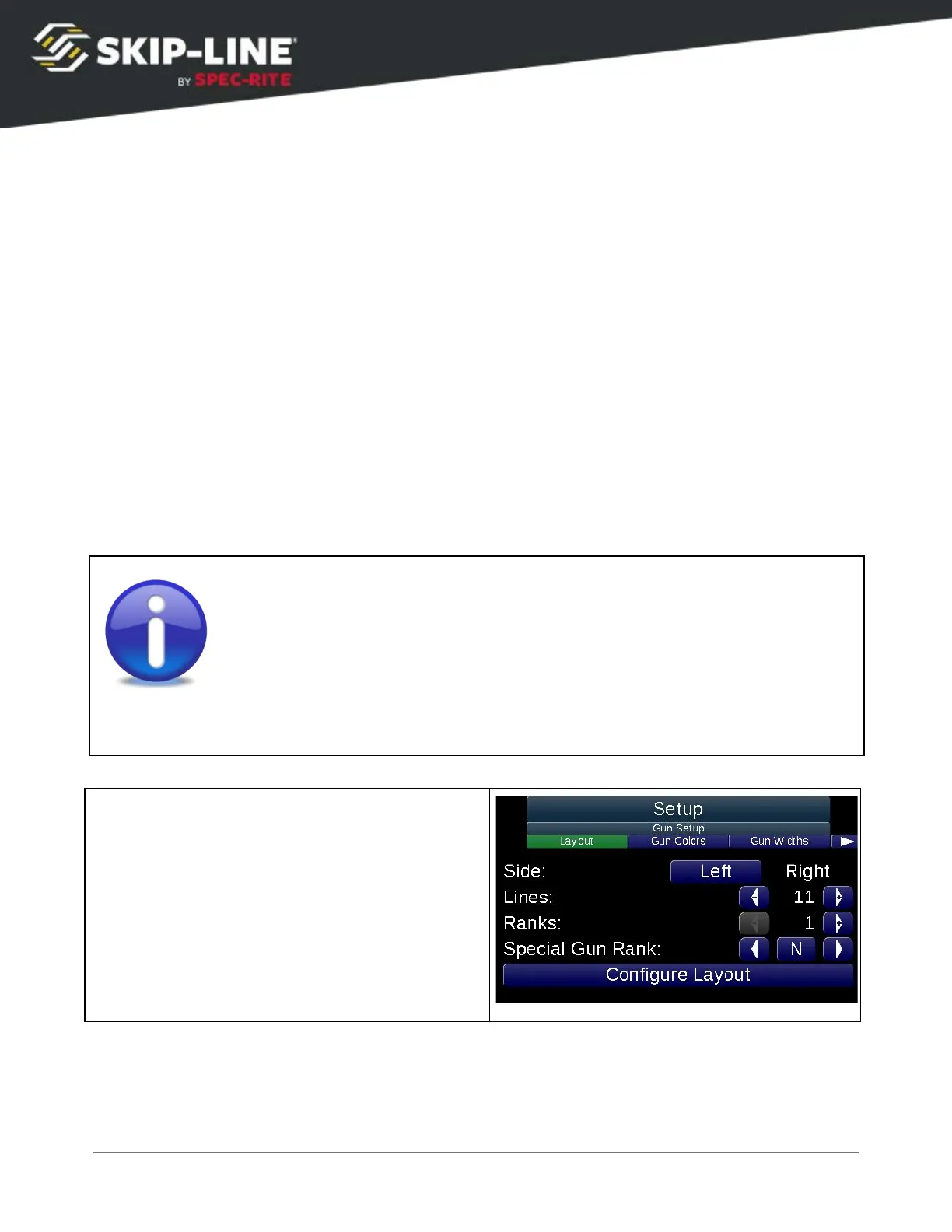
The Carriage Layout screen allows the operator to specify the locations of paint guns on
the carriage. The various painting modes use the layout to determine which guns are in
front of, next to, or behind others. The pattern preview will place guns in the preview
based on the carriage layout settings.
This screen is only for specifying the location of paint guns.
Do not
place
bead guns or air guns in the layout. Tandem paint guns are connected to
their parent paint gun and also should not be placed in the layout.



 To Next Page