4.5.5 Help
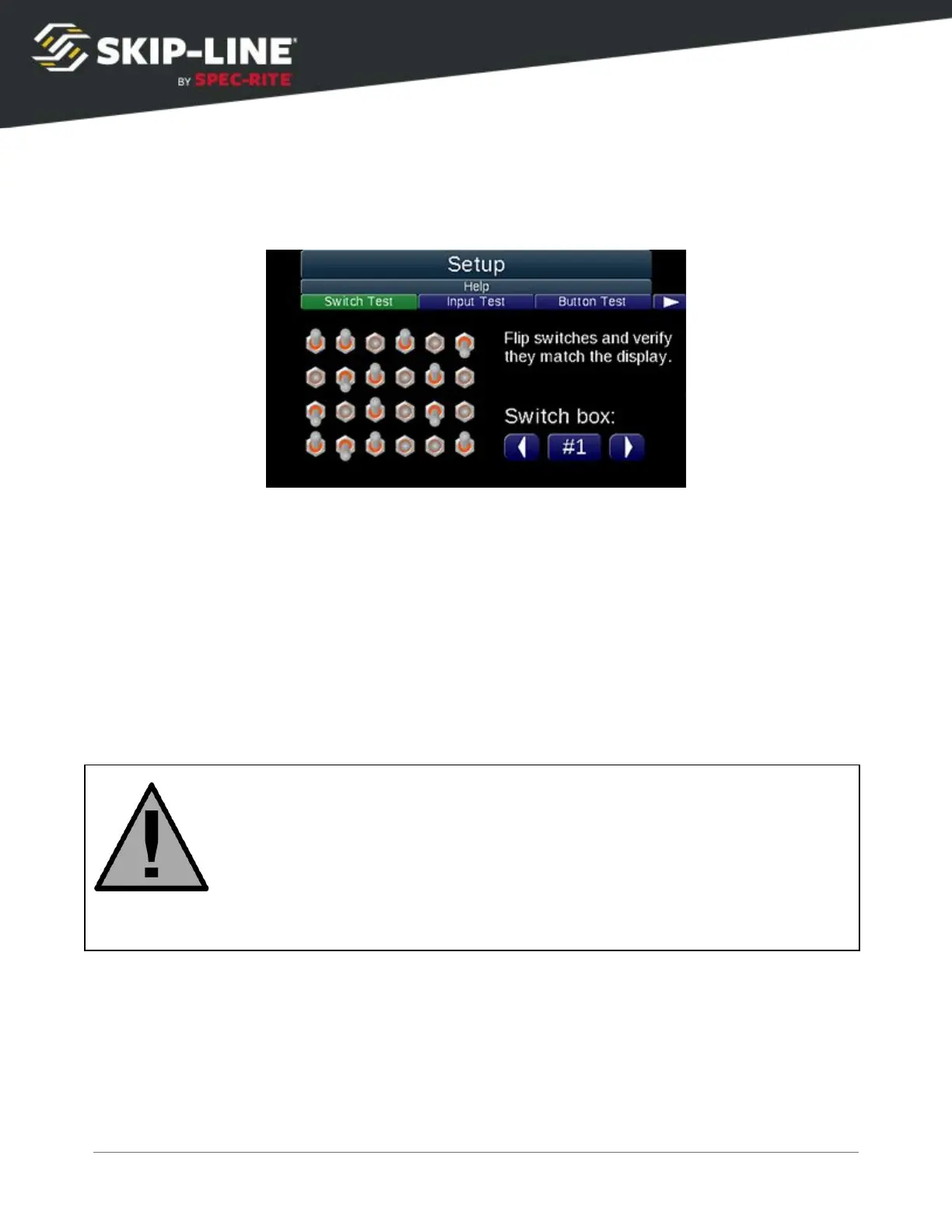
Switch Test
Switch
failures are a common cause of difficult-to-identify operational issues. Use
the Switch Test to detect malfunctioning switches.
To test the switches, flip each switch on the system. If the switches exhibit
erratic behavior or do not switch cleanly on the on-screen graphic, contact
Skip-Line for service.
To view the status of switches from other units on the skip timer system, which
may or may not have a display (including custom switch boxes, remote push
buttons, etc.), select a different number under the Switch box:
label.
Switches will still function during this test!
Remove load power and/or disconnect any equipment that would cause a
safety hazard or undesired effects if a switch engaged that equipment.



 To Next Page