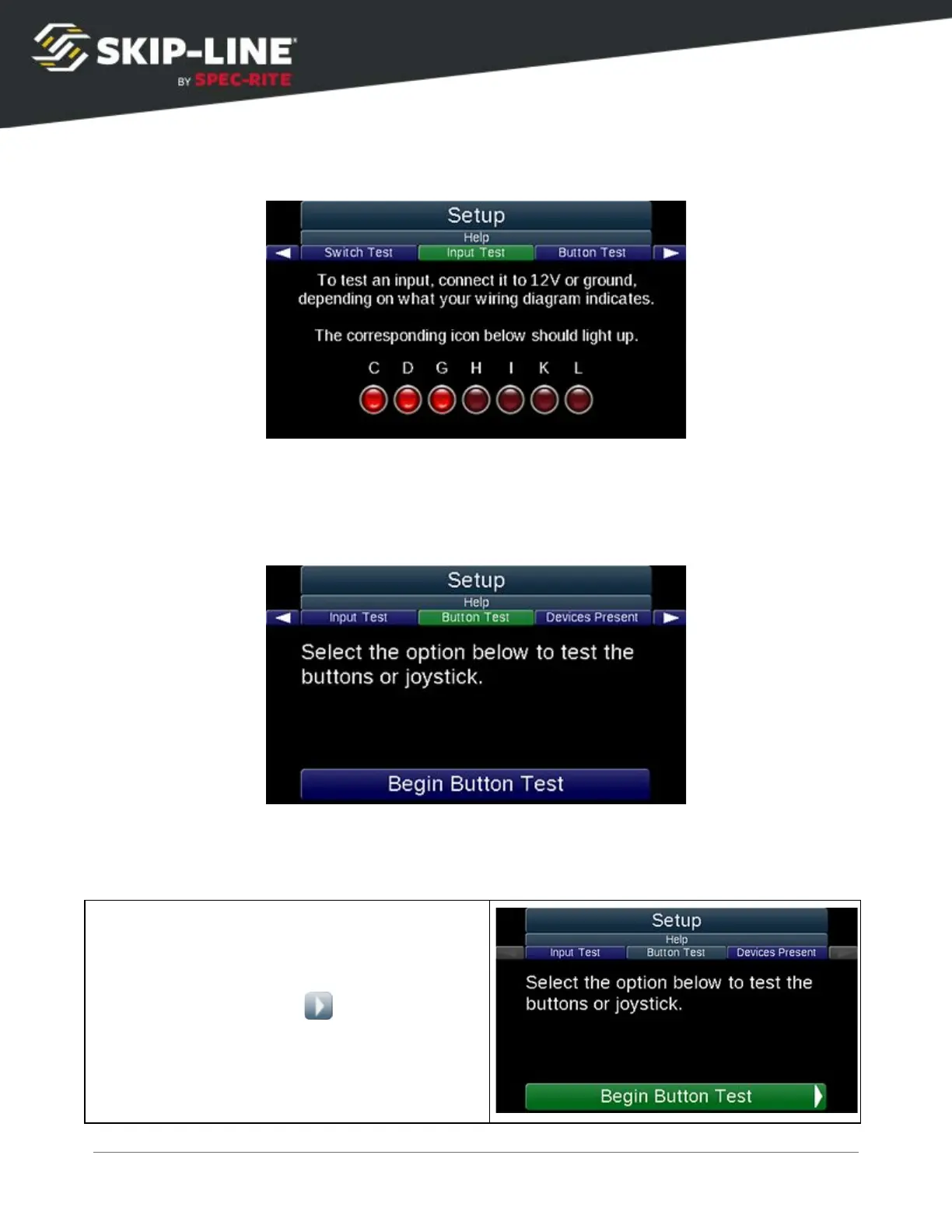
Input Test
To test an input connection, connect it to 12V or ground, depending on what your
wiring diagram indicates. The corresponding icon on the screen will light up. If the
icon does not light up there may be a problem with the connection or the device.
Button Test
To troubleshoot issues with buttons, a Button Test
is included in the Help
options of the box’s Setup menu (it also tests the Joystick if there is one). This is
a quick and responsive way to check if there is an issue with the buttons.



 To Next Page