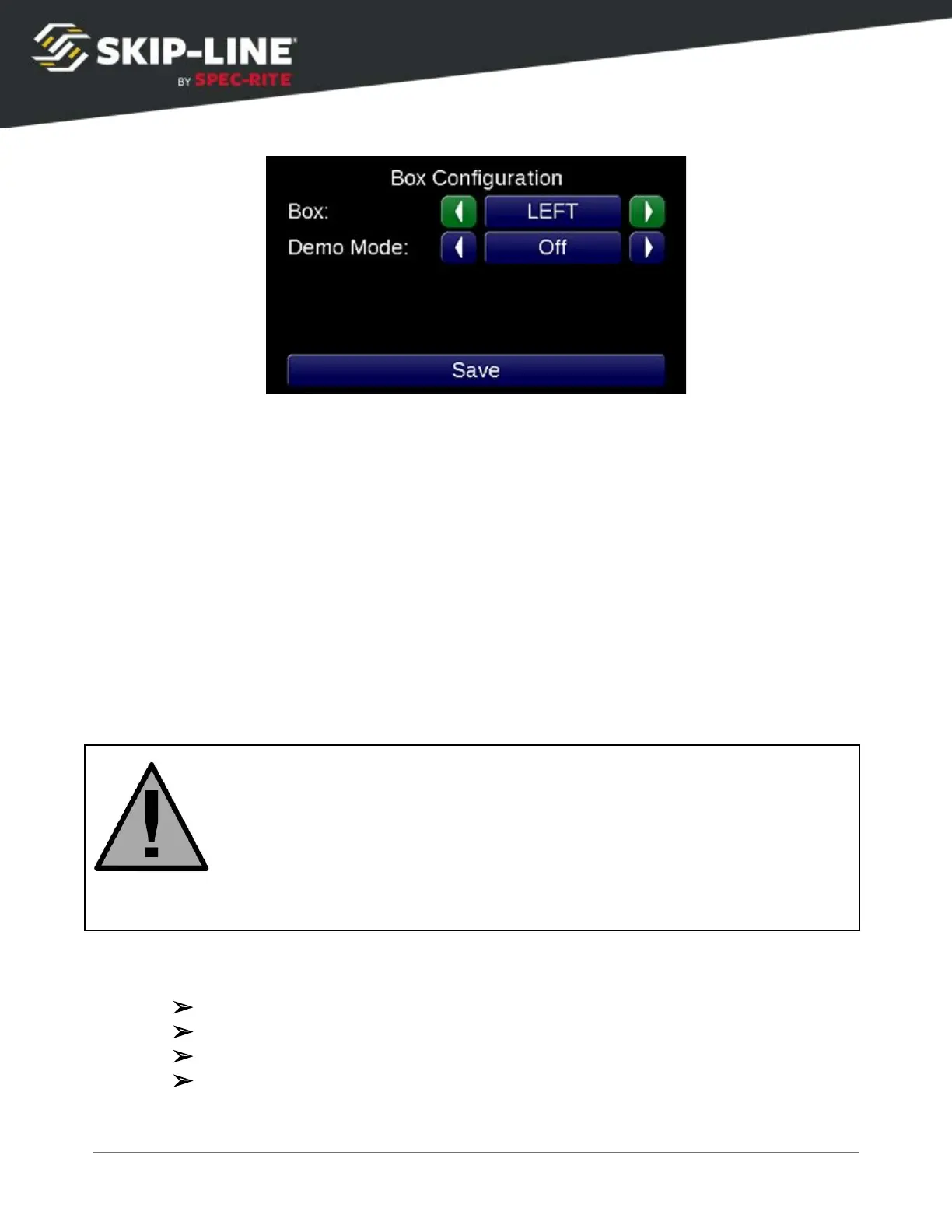
Select the box configuration desired, then press Save
. The box will restart now
and the new configuration will be in use.
Demo Mode
Demo Mode can be enabled and disabled to simulate speed on the skip timer.
This is useful for office demonstrations as well as for testing skip timer
functionality in the shop.
Demo Mode simulates motion and/or pump inputs, but the system is still fully
operational. Demo Mode effectively tricks the system into thinking inputs are
present when they may not be. Outputs will still come on (gun solenoids will
fire).
DO NOT USE DEMO MODE DURING NORMAL OPERATIONS
Make sure you disable demo mode before engaging equipment during actual
striping operations. Speed will not be accurate, causing incorrect patterns to
be emitted from material applicators.
Enter the box configuration menu and set Demo Mode
to your desired Demo Mode.
➢
OFF: Demo Mode will not be activated when you finish starting your system.
➢
MOTION: This will simulate speed on the skip timer.
➢
PUMPS: This will simulate pump strokes.
➢
BOTH: This mode will simulate both pump strokes and speed.
SC-12 Road Marking Control System - Installation and Operation Manual
50



 To Next Page