4.6 Other Menus
Other menus may arise at various time in operation, due to an event or external
action that is detected by the system.
Splash Screen
The Splash Screen appears as the device boots up. This screen appears for
approximately three seconds.
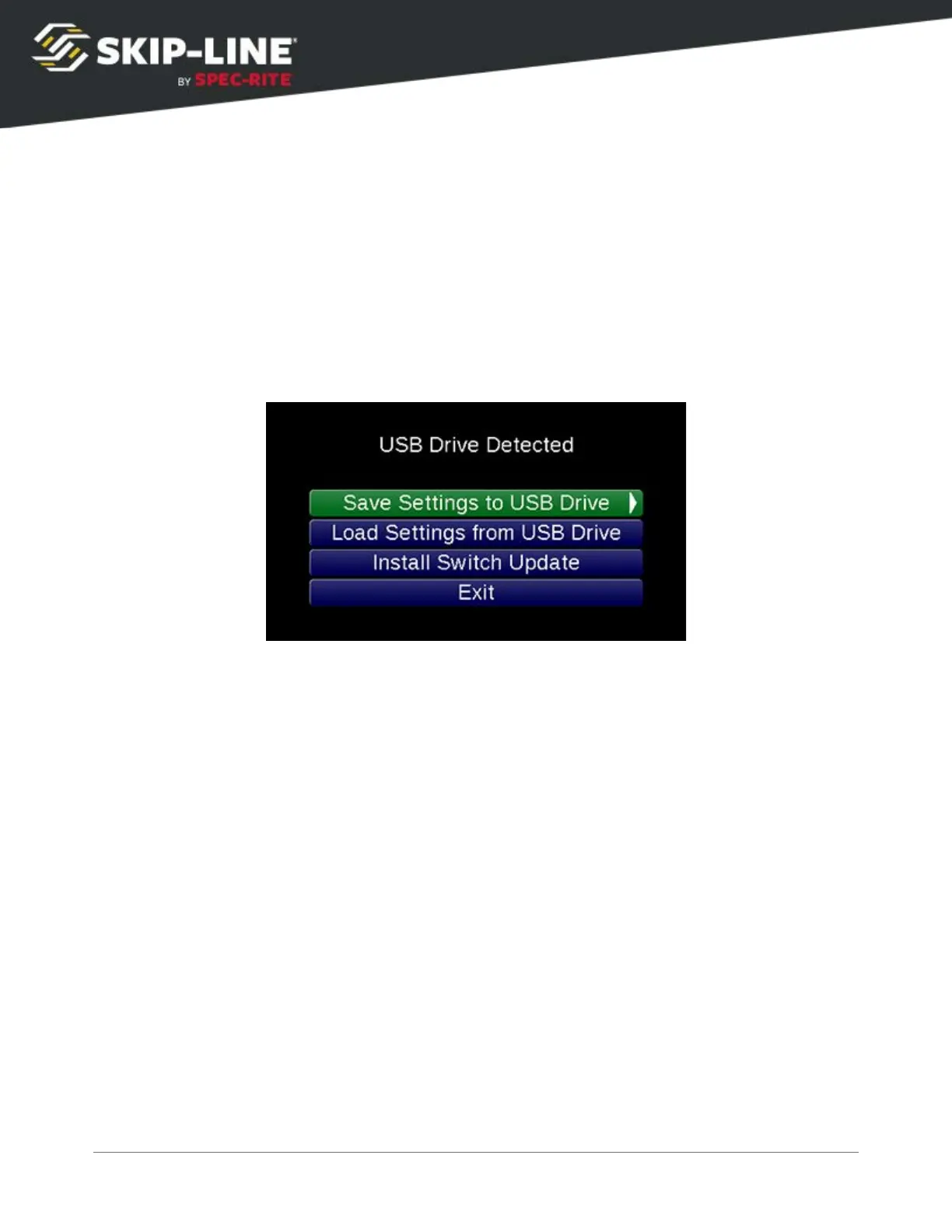
USB Menu
The USB menu appears when a USB drive is inserted. It is primarily used to
export Counter Channel data, although future USB functionality may be here as
well.
Side Configuration
The Box Side Configuration
menu allows a Master Box to be selected as the
left or right master. Being able to easily swap left and right master boxes gives
flexibility when a box fails or troubleshooting is required.
➢
Start with power removed from your skip timer.
➢
Press and hold the right navigation button, or hold the joystick to the right, then apply
power to the skip timer.
➢
This will enter the
Box Configuration
menu.
SC-12 Road Marking Control System - Installation and Operation Manual
49



 To Next Page