Update files are created on a serial number basis. Attempting installation of
an update file created for a different serial number will fail.
Make sure your OEM and/or Skip-Line has the correct serial numbers prior to
requesting an update.
6. Menu Messages
There are many information, warning, and error messages that can appear on
the SC-12. Review the following sections for information about what these
messages mean, and what (if any) corrective actions should be taken.
6.1 Message Icons
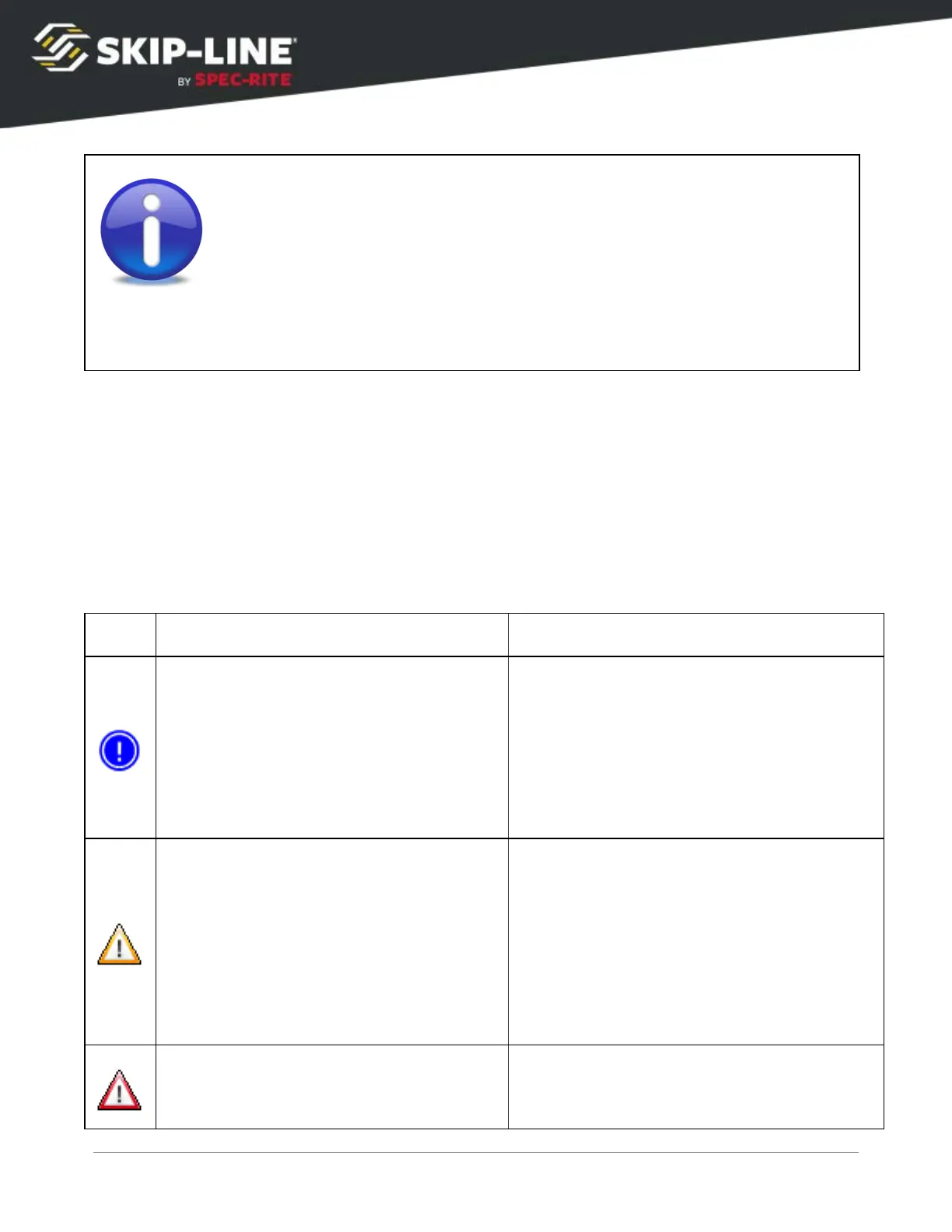
There are three levels of messages.
Informational messages typically do not
mean that anything is necessarily wrong,
but provide additional information that will
help the operator understand what is
happening.
➢
If cleared, the information will not
reappear for the same instance.
Warning messages indicate that at some
level, something is not functioning as
expected. It may not cause the system to
fail completely, but may limit functionality
until the error is corrected.
➢
If the message is cleared, the
warning will reappear in two minutes
if the error still exists.
Critical messages indicate the system may
not be able to function without correcting
the error.
SC-12 Road Marking Control System - Installation and Operation Manual
58



 To Next Page